
Лучшие инструменты для автоматизации браузера в 2026 году



Выбрать подходящий инструмент автоматизации браузера в 2026 году сложнее, чем раньше. Долгие годы выбор сводился по сути к Selenium против Puppeteer. Теперь этот список включает ИИ-агенты которые сами читают страницу и решают, на что нажать.
В этом руководстве разобраны лучшие инструменты автоматизации браузера, доступные сегодня. Вы найдёте честные плюсы и минусы, сравнительную таблицу и ту часть, которую пропускают большинство руководств: почему даже лучшее ПО для автоматизации браузера всё равно даёт сбои на реальных сайтах без правильной настройки прокси в его основе.

Обеспечьте автоматизацию браузера чистыми резидентными и мобильными прокси. Попробуйте NodeMaven от $3.50 с 750 MB в комплекте
Что такое автоматизация браузера?
Автоматизация браузера означает управление веб-браузером с помощью кода вместо мыши и клавиатуры. Скрипт открывает страницу, нажимает кнопки, заполняет формы и читает контент точно так же, как это делал бы человек, только гораздо быстрее.
Большая часть автоматизации браузера работает через headless-браузер. Это браузер без видимого окна. Он по-прежнему рендерит JavaScript, загружает изображения и строит полную страницу в памяти. Headless-браузеры легче и быстрее запускаются на серверах, чем обычное окно браузера.
Фреймворк для автоматизации браузера обычно даёт вам три вещи:
- Управление браузером: открытие вкладок, навигация, нажатия, ввод текста
- Рендеринг JavaScript: загрузка динамического контента так же, как это делал бы реальный посетитель
- Обработка взаимодействий: ожидание элементов, управление всплывающими окнами, обработка загрузок
Некоторые инструменты остаются полностью управляемыми кодом. Другие теперь добавляют AI-слой, который читает страницу и определяет следующее действие на основе простых инструкций, а не жёстко заданного селектора.
Зачем использовать инструменты автоматизации браузера?
Инструменты автоматизации браузера решают задачи, недоступные для обычных HTTP-запросов, главным образом потому, что значительная часть современного веба отрисовывается с помощью JavaScript уже после загрузки страницы.
- Веб-скрейпинг: извлечение данных с динамических сайтов, которые подгружают контент через JavaScript, бесконечную прокрутку или API-вызовы за кулисами
- Тестирование: выполнение сквозных и регрессионных проверок реального поведения браузера, а не только серверной логики
- Повторяющиеся задачи: отправка форм, скачивание отчётов, настройка аккаунтов — всё, что человек делает одинаково изо дня в день
- AI-агенты: возможность позволить модели выполнять многошаговые задачи на реальных сайтах, а не просто отвечать на вопросы о них
- Браузерные рабочие процессы: объединение авторизации, навигации и извлечения данных в один повторяемый конвейер
Статические скраперы ломаются в тот момент, когда сайт начинает зависеть от JavaScript для отрисовки контента. Автоматизация браузера для веб-скрапинга полностью обходит эту проблему, потому что отрисовывает страницу ровно так, как это сделал бы браузер посетителя.
Как выбрать подходящий инструмент автоматизации браузера
Универсального победителя здесь нет. Правильный выбор зависит от вашего стека и целевого сайта. Несколько факторов важнее остальных:
- Язык программирования: выбирайте инструмент под то, на чём ваша команда уже пишет каждый день
- Поддержка браузеров: только Chromium или полное покрытие Chrome, Firefox и WebKit
- Производительность: насколько быстро инструмент выполняет действия и сколько памяти он потребляет на сессию
- Масштабируемость: сможет ли он запускать сотни параллельных сессий и не падать
- Совместимость с анти-бот системами: помечается ли он мгновенно современными системами обнаружения
- Кривая обучения: как быстро новый сотрудник сможет написать рабочий скрипт
- Документация: глубина официальной документации, примеров и ответов сообщества
- Интеграции: CI/CD, поддержка прокси, провайдеры облачных браузеров, LLM-фреймворки
Взвесьте их с учётом вашего реального сценария использования. QA-команде, тестирующей процесс входа в систему, нужно совсем не то, что growth-команде, которая занимается скрапингом страниц товаров в 40 странах. Именно это различие на деле отделяет лучшие инструменты автоматизации браузера от тех, что хорошо смотрятся только в демонстрационном видео.
Лучшие инструменты браузерной автоматизации
Вот более пристальный взгляд на восемь инструментов, которые стоит знать в 2026 году, от устоявшихся фреймворков до новичков на базе AI.
Драматург
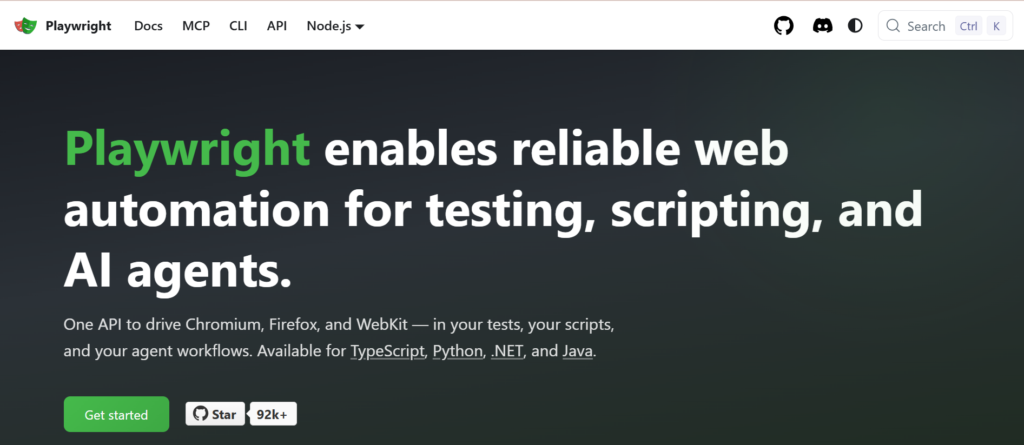
Playwright — это кроссбраузерный фреймворк автоматизации от Microsoft, созданный инженерами, которые ранее работали над Puppeteer. Он стал выбором по умолчанию для команд, начинающих с нуля в 2026 году.
- Основные преимущества: единый API для Chromium, Firefox и WebKit, встроенное автоожидание, перехват сетевых запросов и мощный нативный тест-раннер с трассировкой и параллельным выполнением
- Лучше всего подходит для: команды, которым нужен один фреймворк автоматизации браузера, охватывающий и тестирование, и скрапинг
- Ограничения: более молодая экосистема, чем у Selenium, поэтому часть устаревших корпоративных инструментов по-прежнему предпочитает старый фреймворк
Официальный сайт: playwright.dev
Языки: JavaScript, TypeScript, Python, Java, C#
Браузеры: Хром, Файрфокс, Вебкит
Цены: бесплатный и с открытым исходным кодом
2. Селен
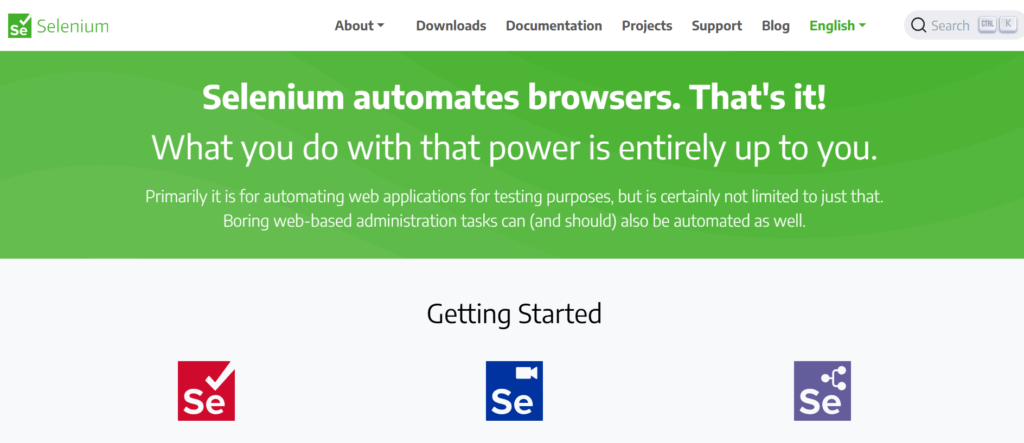
Selenium — самое старое название в этом списке и по-прежнему самая широко используемая библиотека автоматизации браузера в корпоративном QA. Он автоматизирует браузеры через стандарт W3C WebDriver, а не через проприетарный протокол.
- Основные преимущества: самая широкая поддержка языков среди всех представленных инструментов, зрелая экосистема, работает практически с любой CI-платформой и тестовым фреймворком
- Лучше всего подходит для: крупные организации с уже существующими наборами тестов на Selenium или команды, которым нужны привязки для Ruby, PHP или Perl
- Ограничения: медленнее новых инструментов, нет встроенного авто-ожидания и не включает собственный test runner
Официальный сайт: selenium.dev
Языки: Java, Python, C#, Ruby, JavaScript, Kotlin
Браузеры: Хром, Файрфокс, Едж, Сафари
Цены: бесплатный и с открытым исходным кодом
Обеспечьте бесперебойную работу браузерной автоматизации с качественными резидентными и мобильными прокси. Начните пробный период NodeMaven от $3.50 с 750 MB в комплекте
3. Кукольник
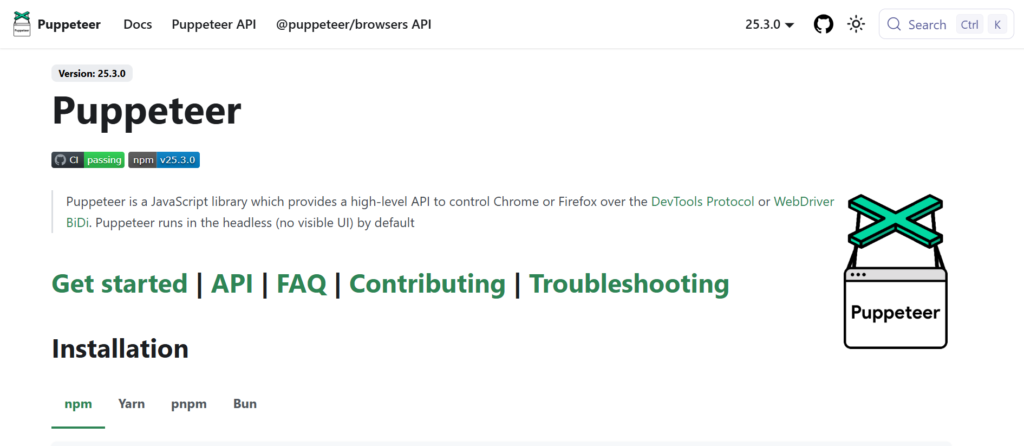
Puppeteer — это Node.js-библиотека от Google для управления Chrome через DevTools Protocol. Она была прямым предшественником Playwright и остаётся надёжным, лёгким решением для задач, ориентированных на Chromium.
- Основные преимущества: тесная интеграция с Chrome, быстрое выполнение, простой API для скриншотов, PDF и задач скрапинга
- Лучше всего подходит для: Разработчики на Node.js, которым нужен только Chromium и требуется минимальная настройка
- Ограничения: поддержка Firefox была добавлена лишь позже и менее зрелая, чем поддержка Chrome, а JavaScript — единственный полностью нативный язык
Официальный сайт: pptr.dev
Языки: JavaScript, TypeScript
Браузеры: Chrome, Firefox
Цены: бесплатный и с открытым исходным кодом
4. Browser Use
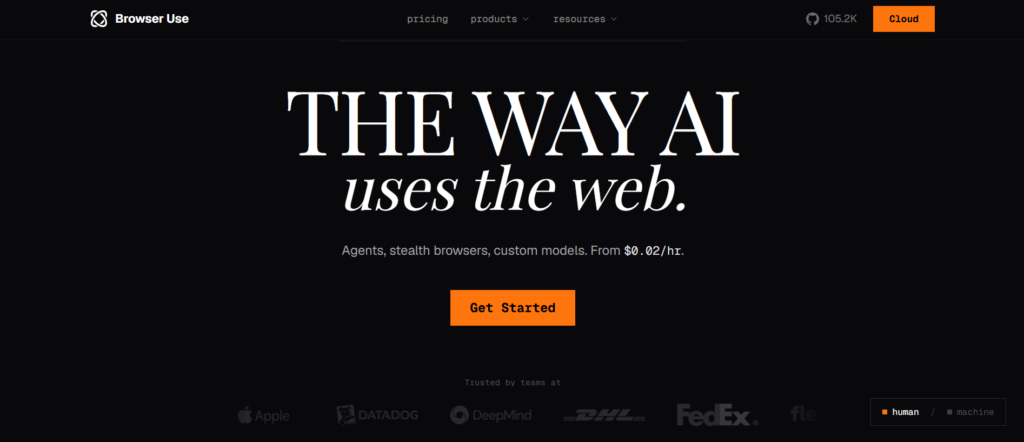
Browser Use — это библиотека с открытым исходным кодом, созданная специально для AI-агентов. Вместо написания селекторов вы описываете задачу простым языком, а LLM управляет браузером, чтобы её выполнить.
- Основные преимущества: работает с основными провайдерами LLM, тонкая обвязка, избегающая поведения «чёрного ящика», активное open-source-сообщество
- Лучше всего подходит для: команды, создающие AI-агентов, которым нужно выполнять многошаговые задачи на произвольных сайтах
- Ограничения: результаты сильно зависят от лежащего в основе LLM, а надёжная обработка CAPTCHA и работа с отпечатками обычно требуют платного облачного тарифа
Официальный сайт: browser-use.com
Языки: Питон
Браузеры: Chromium (через Playwright)
Цены: библиотека с открытым исходным кодом бесплатна, облачные тарифы — по мере использования
5. Browserbase
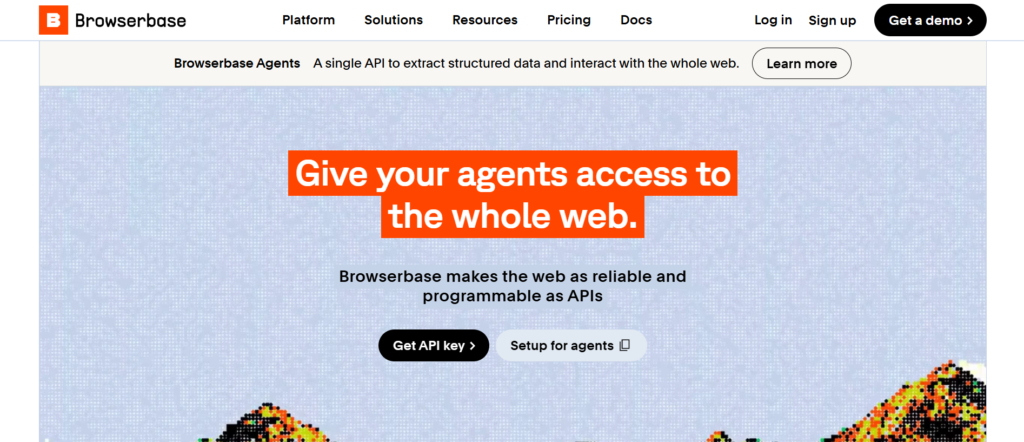
Browserbase — это облачная инфраструктура для запуска headless-браузеров в больших масштабах. Вместо того чтобы заменять Playwright, Puppeteer или Selenium, она размещает и управляет браузерными сессиями, которыми управляют эти инструменты.
- Основные преимущества: запускает изолированные сессии за миллисекунды, запись сессий и отладка в реальном времени, нативная совместимость с Playwright, Puppeteer и Selenium
- Лучше всего подходит для: команды, которые не хотят разворачивать и масштабировать собственную браузерную инфраструктуру
- Ограничения: добавляет затраты на инфраструктуру по модели оплаты за использование поверх любого фреймворка автоматизации, который вы уже применяете
Официальный сайт: browserbase.com
Языки: работает с SDK для Python и JavaScript
Браузеры: Chrome, Firefox
Цены: бесплатный тариф, затем планы за $20 и $99 в месяц, индивидуальные корпоративные цены
6. Stagehand
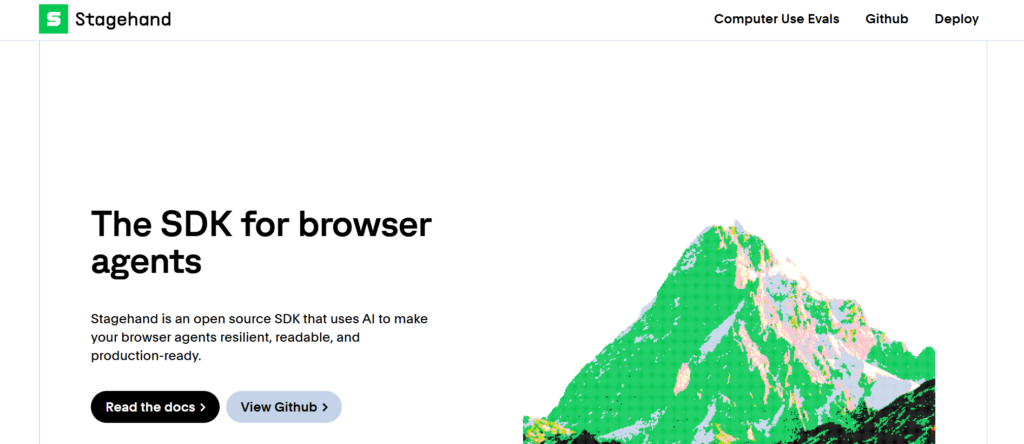
Stagehand, созданный командой Browserbase, расширяет Playwright примитивами AI: act, extract, observe и agent. Вы сохраняете детерминированный код там, где это важно, и позволяете AI разбираться с теми частями, которые ломаются при редизайне страницы.
- Основные преимущества: избегает хрупких CSS-селекторов, извлечение структурированных данных с валидацией по схеме, подключается к распространённым фреймворкам агентов
- Лучше всего подходит для: команды, которым нужна гибкость AI без полной передачи контроля автономному агенту
- Ограничения: более новый проект, а действия, разрешаемые через AI, добавляют задержку и стоимость токенов по сравнению с жёстко заданными селекторами
Официальный сайт: stagehand.dev
Языки: TypeScript, Python
Браузеры: На базе Chromium
Цены: открытый исходный код (MIT), опциональный платный шлюз моделей через Browserbase
Снизьте блокировки и CAPTCHA с чистыми резидентными и мобильными прокси. Попробуйте NodeMaven от $3.50 с включёнными 750 MB
7. Cypress
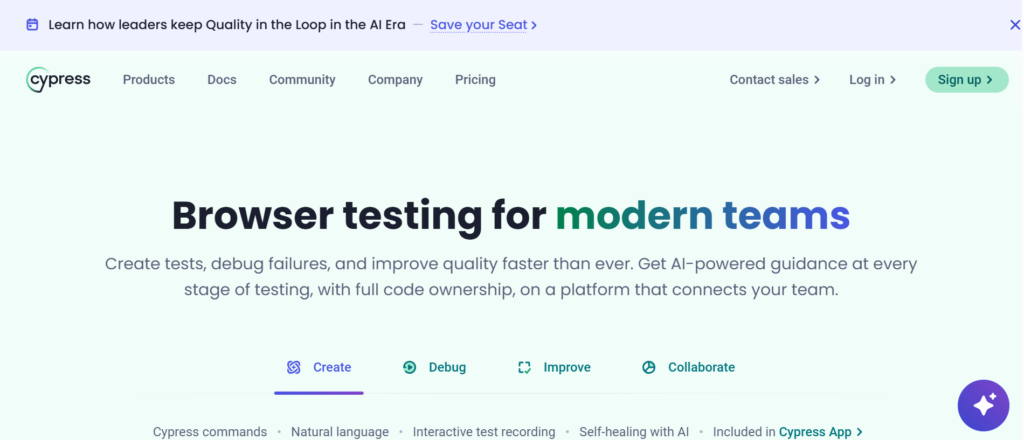
Cypress — это фреймворк для тестирования, ориентированный в первую очередь на JavaScript, который выполняется внутри того же цикла событий, что и тестируемое приложение, что обеспечивает быстрое и надёжное выполнение тестов и мощные инструменты отладки.
- Основные преимущества: отладка с перемоткой во времени, автоматическое ожидание, перезагрузка в реальном времени во время написания тестов, отличная документация
- Лучше всего подходит для: frontend-команды, выполняющие компонентное и сквозное (end-to-end) тестирование на современных JavaScript-фреймворках
- Ограничения: ориентирован в основном на Chromium и Firefox, поддержка WebKit по-прежнему экспериментальная, и он не предназначен для универсального веб-скрапинга
Официальный сайт: cypress.io
Языки: JavaScript, TypeScript
Браузеры: Chrome, Edge, Firefox, экспериментально WebKit
Цены: бесплатное приложение, облачные планы от $75 в месяц
8. Chromedp
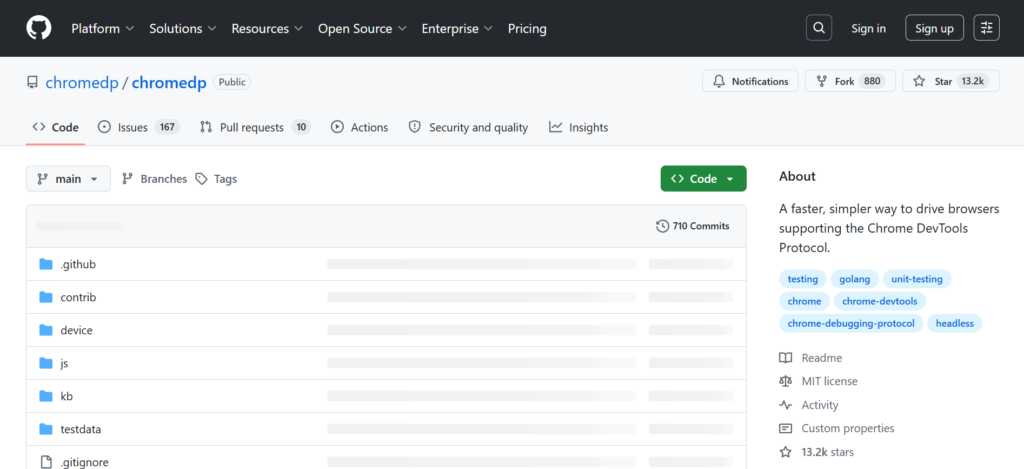
Chromedp — это библиотека для Go, которая управляет Chrome напрямую через Chrome DevTools Protocol, без внешних зависимостей. Это основная библиотека автоматизации браузера для Go-команд.
- Основные преимущества: нет зависимостей за пределами стандартной библиотеки Go, быстрое выполнение, хорошо подходит для скрапинга и бэкенд-сервисов на Go
- Лучше всего подходит для: Go-разработчики, которым нужно управление headless-Chrome внутри существующего Go-сервиса
- Ограничения: только Go, сообщество меньше, чем у инструментов на JavaScript и Python, только Chromium
Официальный сайт: github.com/chromedp/chromedp
Языки: Иди
Браузеры: Chrome, Chromium
Цены: бесплатный и с открытым исходным кодом
Сравнение инструментов автоматизации браузера
Вот как лучшие инструменты автоматизации браузера выглядят в прямом сравнении.
| Инструмент | Открытый исходный код | Языки | Браузеры | Лучший вариант использования | Скорость | Кривая обучения | Готовность к AI |
| Playwright | Да | JS/TS, Python, Java, C# | Хром, Файрфокс, Вебкит | Тестирование + скрапинг | Быстро | Умеренный | Через MCP/Stagehand |
| Selenium | Да | Java, Python, C#, Ruby, JS | Хром, Файрфокс, Едж, Сафари | Корпоративное тестирование | Умеренный | Умеренный | Ограниченная нативная поддержка |
| Puppeteer | Да | JS/TS | Chrome, Firefox | Скрапинг с фокусом на Chrome | Быстро | Легко | Ограниченная нативная поддержка |
| Browser Use | Да | Питон | Chromium | Задачи AI-агентов | Умеренный | Легко | Да, встроенная |
| Browserbase | Нет (платформа) | Python, JS | Chrome, Firefox | Управляемые облачные браузеры | Быстро | Легко | Да, встроенная |
| Stagehand | Да | TypeScript, Python | Chromium | Гибридная автоматизация: AI + код | Быстро | Легко | Да, встроенная |
| Cypress | Да | JS/TS | Хром, Эддж, Файрфокс | Frontend E2E-тестирование | Быстро | Легко | Ограниченная нативная поддержка |
| Chromedp | Да | Иди | Chrome, Chromium | Автоматизация на Go | Быстро | Умеренный | Нет |
Распространённые сложности автоматизации браузера
Даже лучшие инструменты для автоматизации браузера упираются в стену на реальных сайтах, и виноват в этом редко сам фреймворк. Современные сайты созданы, чтобы выявлять и блокировать автоматизированный трафик.
- Cloudflare и аналогичная анти-бот защита: проверяет поведение браузера, заголовки и паттерны соединения, прежде чем пропустить запрос
- КАПЧА: срабатывает, когда показатель риска сессии для сайта становится слишком высоким
- IP-баны и ограничения частоты запросов: слишком много запросов с одного адреса приводит к блокировке или ограничению этого адреса
- Несовпадения отпечатка браузера: сигналы canvas, WebGL и шрифтов у headless-браузера часто не совпадают с реальным устройством
- TLS-фингерпринтинг: некоторые антибот-системы анализируют сам TLS-рукопожатие, а не только HTTP-запрос
- Согласованность сессии: смена IP в середине сессии в рабочем процессе с авторизацией для большинства антифрод-систем выглядит в точности как угон аккаунта
Тестирование автоматизации браузера обычно проваливается по одной из двух причин: сайт изменился или сайт вас заметил. Фреймворки решают первую проблему. Со второй в одиночку они справиться не могут.
Масштабируйте автоматизацию браузера и веб-скрапинг с чистыми резидентными и мобильными прокси. Попробуйте NodeMaven от $3.50 с 750 MB в комплекте
Почему прокси важны для автоматизации браузера
Playwright, Selenium, Puppeteer и каждый фреймворк для AI-агентов из этого списка управляют браузером. Ни один из них не управляет сетевой идентичностью за этим браузером. Это отдельный слой, и именно он в первую очередь решает, доверяет ли сайт трафику.
Фреймворк автоматизации браузера сам по себе не решает:
- репутацию IP, поскольку одиночный адрес дата-центра помечается быстро
- гео-ограничения, когда рабочему процессу нужно выглядеть локальным для конкретной страны или города
- резидентную идентичность, разницу между трафиком, который выглядит как реальное домохозяйство, и трафиком, который таковым не выглядит
- Ограничения по частоте запросов при крупномасштабном скрапинге или операциях с несколькими аккаунтами
- Частота CAPTCHA, которая быстро растёт на помеченном или чрезмерно используемом IP
- Сохранение сессии, удержание одной и той же личности на протяжении многошагового рабочего процесса
Именно здесь на помощь приходит прокси для автоматизации браузера . NodeMaven предоставляет резидентные, мобильные и ISP прокси построенные вокруг качества IP, а не размера пула как такового, с уровнем чистых IP более 95% и пулом резидентных IP более 30 млн в более чем 190 странах.
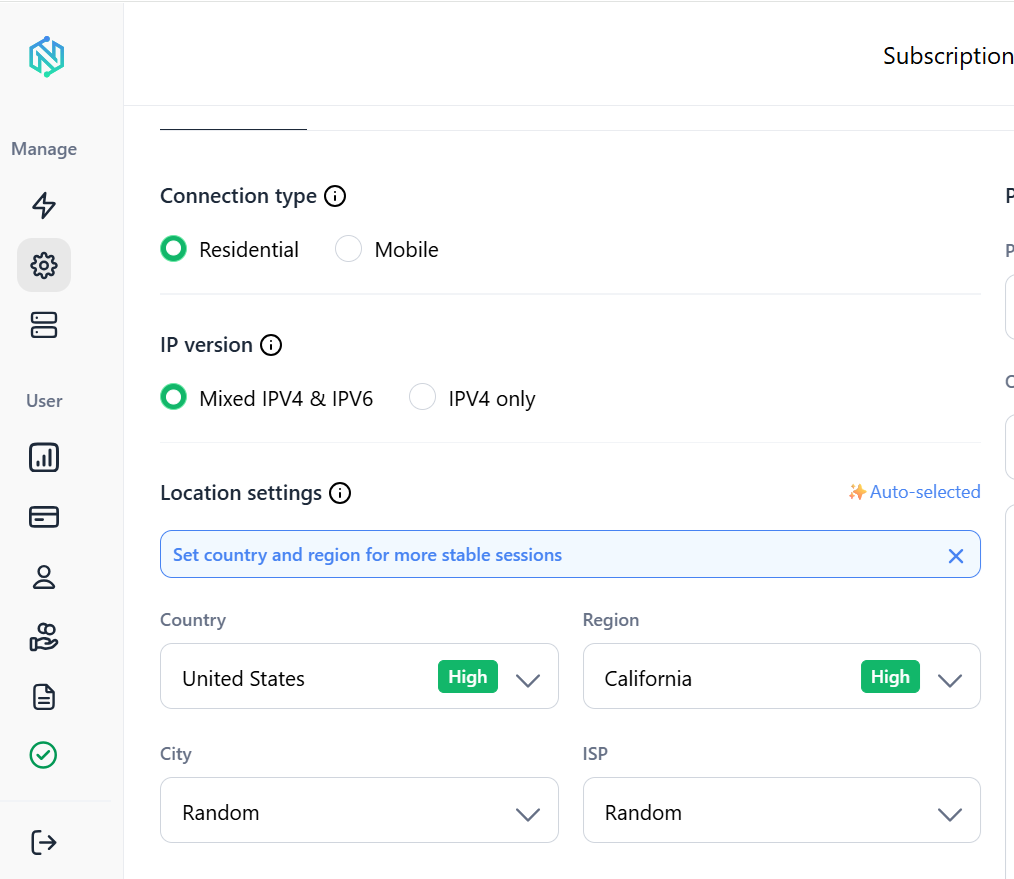
Несколько деталей, которые стоит знать, если вы используете NodeMaven с любым из перечисленных выше инструментов:
- Sticky-сессии удерживают один и тот же IP до 24 часов на стандартных тарифах и до 24 часов для отдельных конфигураций, что не даёт многошаговым браузерным рабочим процессам прерваться в середине сессии
- Город и Таргетинг на уровне ZIP позволяет скриптам автоматизации выглядеть как локальные для конкретного рынка
- Браузер для скрапинга от NodeMaven это управляемый облачный браузер, который подключается напрямую к Playwright и Puppeteer через WebSocket-URL, сочетая ротацию прокси с обработкой отпечатков, так что вам не нужно запускать собственную браузерную инфраструктуру
- Цена на резидентные прокси начинается от $2.20/GB, а пробный тариф за $3.50 включает 750MB трафика, чтобы протестировать сервис до оформления подписки
Заключение
Среди лучших инструментов для автоматизации браузера в 2026 году нет единого победителя, потому что эти инструменты решают разные задачи. Playwright — самый сильный универсальный выбор по умолчанию как для тестирования, так и для скрапинга. Selenium по-прежнему удерживает позиции в крупных корпоративных наборах тестов. Browser Use — самый очевидный выбор для команд, создающих автономных AI-агентов, а Browserbase снимает инфраструктурную нагрузку по запуску браузеров в масштабе.
Какой бы фреймворк вы ни выбрали, браузер — это лишь половина дела. Резидентные, мобильные и ISP-прокси NodeMaven дают автоматизации браузера сетевую идентичность, необходимую для того, чтобы оставаться онлайн, избегать CAPTCHA и работать в масштабе, не попадая под блокировки.
Обеспечьте своих AI-агентов надёжной сетевой идентичностью с помощью резидентных и мобильных прокси. Попробуйте NodeMaven от $3.50 с 750 MB в комплекте


