
Best Browser Automation Tools in 2026



Picking the right browser automation tool in 2026 is harder than it used to be. For years the choice was basically Selenium versus Puppeteer. Now that list includes AI agents that read a page and decide what to click on their own.
This guide breaks down the best browser automation tools available today. You will find honest pros and cons, a side-by-side comparison table, and the part most guides skip: why even the best browser automation software still fails on real websites without the right proxy setup underneath it.

Power your browser automation with clean residential and mobile proxies. Try NodeMaven from $3.50 with 750 MB included
What is browser automation?
Browser automation means controlling a web browser with code instead of a mouse and keyboard. A script opens a page, clicks buttons, fills forms, and reads content, exactly like a person would, just much faster.
Most browser automation runs through a headless browser. That is a browser with no visible window. It still renders JavaScript, loads images, and builds the full page in memory. Headless browsers are lighter and faster to run on servers than a normal browser window.
A browser automation framework typically gives you three things:
- Browser control: opening tabs, navigating, clicking, typing
- JavaScript rendering: loading dynamic content the same way a real visitor would
- Interaction handling: waiting for elements, managing pop-ups, handling downloads
Some tools stay purely code driven. Others now add an AI layer that reads the page and figures out the next action from plain instructions instead of a hardcoded selector.
Why use browser automation tools?
Browser automation tools solve problems that plain HTTP requests cannot touch, mostly because so much of the modern web is rendered by JavaScript after the page loads.
- Web scraping: pulling data from dynamic websites that load content through JavaScript, infinite scroll, or API calls behind the scenes
- Testing: running end to end and regression checks against real browser behavior, not just backend logic
- Repetitive tasks: form submissions, report downloads, account setup, anything a person does the same way daily
- AI agents: letting a model complete multi step tasks on live websites instead of just answering questions about them
- Browser workflows: chaining logins, navigation, and data extraction into one repeatable pipeline
Static scrapers break the moment a site depends on JavaScript to render its content. Browser automation for web scraping sidesteps that problem entirely because it renders the page exactly the way a visitor’s browser would.
How to choose the right browser automation tool
There is no universal winner here. The right pick depends on your stack and your target site. A few factors matter more than the rest:
- Programming language: match the tool to what your team already writes daily
- Browser support: Chromium only, or full coverage across Chrome, Firefox, and WebKit
- Performance: how fast the tool executes actions and how much memory it eats per session
- Scalability: can it run hundreds of parallel sessions without falling over
- Anti-bot compatibility: does it get flagged instantly by modern detection systems
- Learning curve: how quickly a new hire can ship a working script
- Documentation: depth of official docs, examples, and community answers
- Integrations: CI/CD, proxy support, cloud browser providers, LLM frameworks
Weigh these against your actual use case. A QA team testing a login flow needs different things than a growth team scraping product pages across 40 countries. That distinction is what actually separates the best browser automation tools from ones that only look good in a demo video.
Best browser automation tools
Here is a closer look at the eight tools worth knowing in 2026, from established frameworks to AI-native newcomers.
1. Playwright
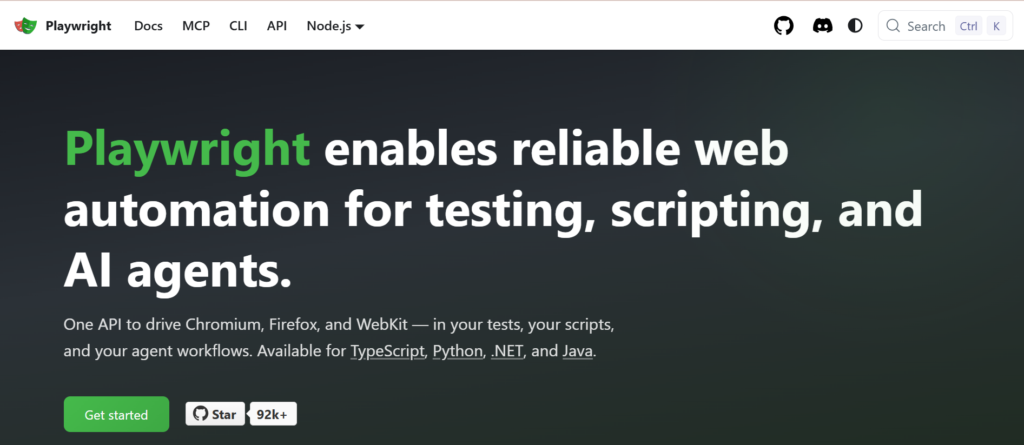
Playwright is Microsoft’s cross-browser automation framework, built by engineers who previously worked on Puppeteer. It has become the default choice for teams starting fresh in 2026.
- Key advantages: single API across Chromium, Firefox, and WebKit, built-in auto-waiting, network interception, and a strong native test runner with tracing and parallel execution
- Best for: teams that want one browser automation framework covering both testing and scraping
- Limitations: newer ecosystem than Selenium, so some legacy enterprise tooling still favors the older framework
Official website: playwright.dev
Languages: JavaScript, TypeScript, Python, Java, C#
Browsers: Chromium, Firefox, WebKit
Pricing: free and open source
2. Selenium
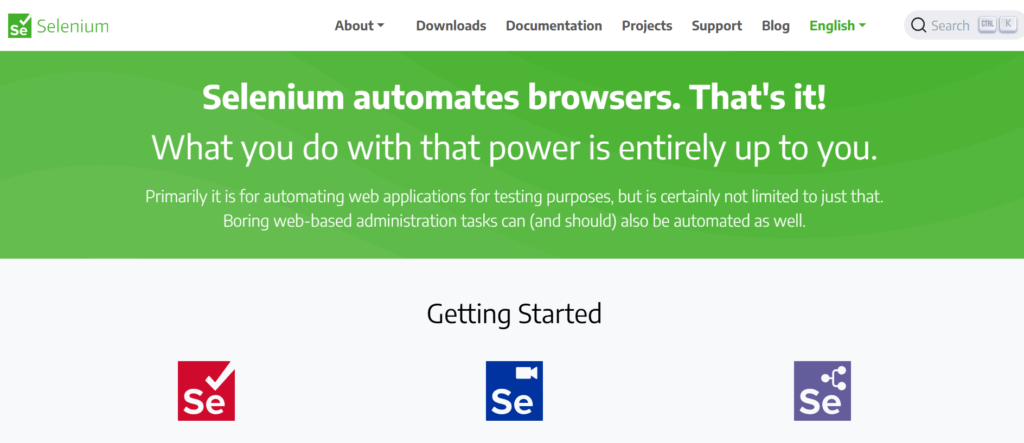
Selenium is the oldest name on this list and still the most widely deployed browser automation library in enterprise QA. It automates browsers through the W3C WebDriver standard rather than a proprietary protocol.
- Key advantages: broadest language support of any tool here, mature ecosystem, works with almost every CI platform and test framework
- Best for: large organizations with existing Selenium test suites or teams needing Ruby, PHP, or Perl bindings
- Limitations: slower than newer tools, no built-in auto-waiting, and it does not include a test runner on its own
Official website: selenium.dev
Languages: Java, Python, C#, Ruby, JavaScript, Kotlin
Browsers: Chrome, Firefox, Edge, Safari
Pricing: free and open source
Keep your browser automation running with high quality residential and mobile proxies. Start your NodeMaven trial from $3.50 with 750 MB included
3. Anchor Browser
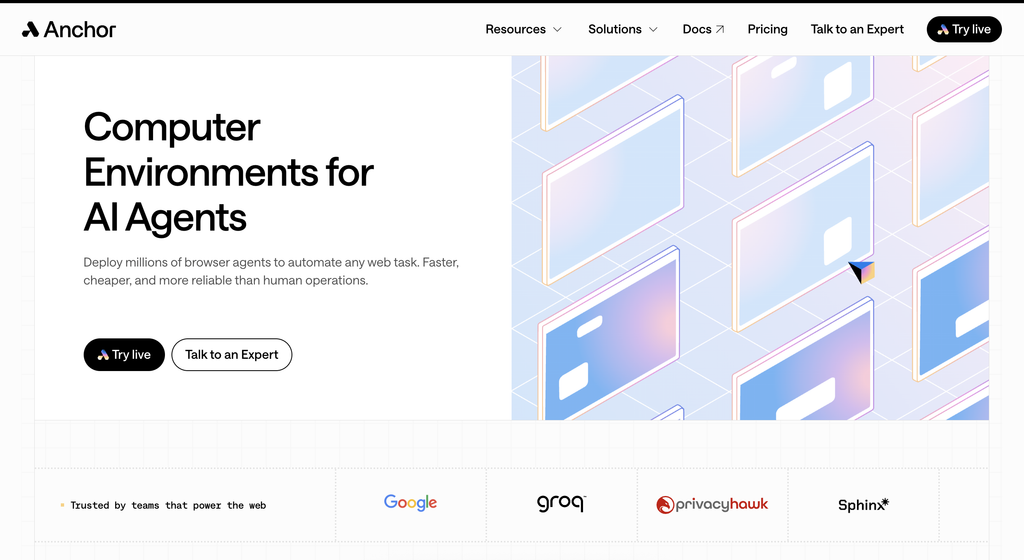
Anchor Browser is managed browser infrastructure built for AI agents and authenticated automation. Saved identities keep agents signed in across sessions, handle MFA, and inject credentials only when the browser types them, so the model never receives the actual values.
- Key advantages: persistent authentication, MFA handling, managed stealth, CAPTCHA support, and Action Index for replaying proven workflows as deterministic code
- Best for: AI agents working with authenticated websites, SaaS dashboards, forms, and repeat browser workflows
- Limitations: commercial cloud platform with concurrency and security features tied to the selected plan; Action Index saves the most time on workflows it has already seen
Official website: anchorbrowser.io
Languages: JavaScript, TypeScript, Python
Browser: Anchor Chromium
Integrations: Playwright, Puppeteer, CDP, MCP
Pricing: Free plan with $5 in monthly credits; Starter from $50 per month, plus usage
4. Puppeteer
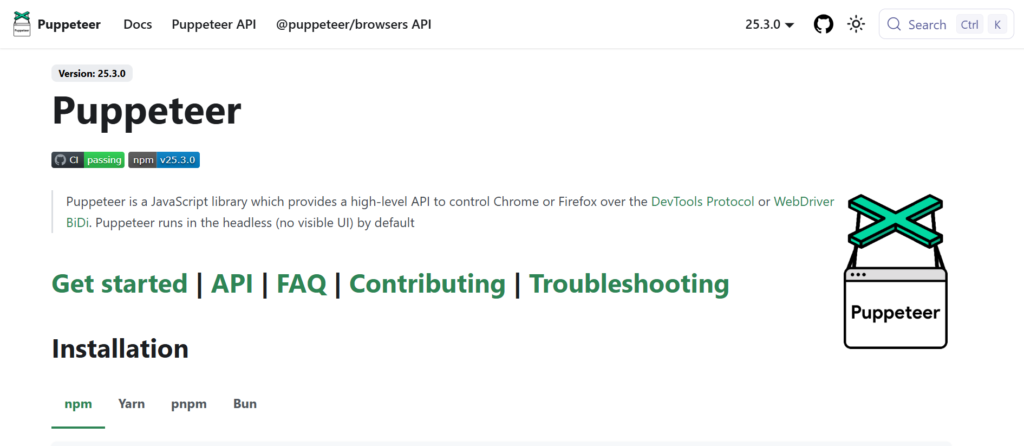
Puppeteer is Google’s Node.js library for driving Chrome through the DevTools Protocol. It was Playwright’s direct predecessor and remains a solid, lightweight option for Chromium-focused work.
- Key advantages: tight integration with Chrome, fast execution, simple API for screenshots, PDFs, and scraping tasks
- Best for: Node.js developers who only need Chromium and want minimal setup
- Limitations: Firefox support was only added later and is less mature than Chrome support, and JavaScript is the only fully native language
Official website: pptr.dev
Languages: JavaScript, TypeScript
Browsers: Chrome, Firefox
Pricing: free and open source
5. Browser Use
Browser Use is an open-source library built specifically for AI agents. Instead of writing selectors, you describe a task in plain language and an LLM drives the browser to complete it.
- Key advantages: works with major LLM providers, thin harness that avoids black-box behavior, active open-source community
- Best for: teams building AI agents that need to complete multi-step tasks on arbitrary websites
- Limitations: results depend heavily on the underlying LLM, and reliable CAPTCHA handling and fingerprinting typically require its paid cloud tier
Official website: browser-use.com
Languages: Python
Browsers: Chromium (via Playwright)
Pricing: open source library free, cloud plans usage based
6. Browserbase
Browserbase is cloud infrastructure for running headless browsers at scale. Rather than replacing Playwright, Puppeteer, or Selenium, it hosts and manages the browser sessions those tools drive.
- Key advantages: spins up isolated sessions in milliseconds, session recording and live debugging, native compatibility with Playwright, Puppeteer, and Selenium
- Best for: teams that do not want to run and scale their own browser infrastructure
- Limitations: adds a usage-based infrastructure cost on top of whatever automation framework you already use
Official website: browserbase.com
Languages: works with Python and JavaScript SDKs
Browsers: Chrome, Firefox
Pricing: free tier, then $20 and $99 monthly plans, custom enterprise pricing
7. Stagehand
Stagehand, built by the Browserbase team, extends Playwright with AI primitives: act, extract, observe, and agent. You keep deterministic code where it matters and let AI resolve the parts that break when a page redesigns.
- Key advantages: avoids brittle CSS selectors, structured data extraction with schema validation, plugs into common agent frameworks
- Best for: teams that want AI flexibility without giving up full control to an autonomous agent
- Limitations: newer project, and AI-resolved actions add latency and token cost compared to hardcoded selectors
Official website: stagehand.dev
Languages: TypeScript, Python
Browsers: Chromium-based
Pricing: open source (MIT), optional paid model gateway through Browserbase
Reduce blocks and CAPTCHAs with clean residential and mobile proxies. Try NodeMaven from $3.50 with 750 MB included
8. Cypress
Cypress is a JavaScript-first testing framework that runs inside the same run loop as the application under test, which gives it fast, reliable test execution and strong debugging tools.
- Key advantages: time travel debugging, automatic waiting, real time reload during test writing, excellent documentation
- Best for: frontend teams doing component and end to end testing on modern JavaScript frameworks
- Limitations: primarily Chromium and Firefox focused, WebKit support is still experimental, and it is not built for general purpose web scraping
Official website: cypress.io
Languages: JavaScript, TypeScript
Browsers: Chrome, Edge, Firefox, experimental WebKit
Pricing: free app, Cloud plans from $75 per month
9. Chromedp
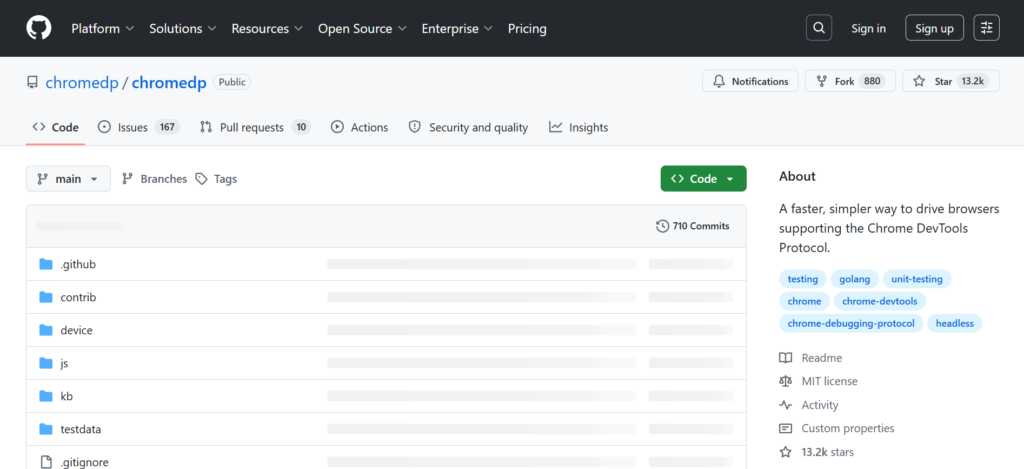
Chromedp is a Go library that drives Chrome directly through the Chrome DevTools Protocol, with no external dependencies. It is the go-to browser automation library for Go teams.
- Key advantages: no dependencies outside the Go standard library, fast execution, good fit for Go-based scraping and backend services
- Best for: Go developers who need headless Chrome control inside an existing Go service
- Limitations: Go-only, smaller community than the JavaScript and Python tools, Chromium only
Official website: github.com/chromedp/chromedp
Languages: Go
Browsers: Chrome, Chromium
Pricing: free and open source
Browser Automation Tools Comparison
Here is how the best browser automation tools stack up side by side.
| Tool | Open source | Languages | Browsers | Best use case | Speed | Learning curve | AI ready |
| Playwright | Yes | JS/TS, Python, Java, C# | Chromium, Firefox, WebKit | Testing + scraping | Fast | Moderate | Via MCP/Stagehand |
| Selenium | Yes | Java, Python, C#, Ruby, JS | Chrome, Firefox, Edge, Safari | Enterprise testing | Moderate | Moderate | Limited native |
| Anchor Browser | No (platform) | JavaScript, TypeScript, Python | Anchor Chromium | Authenticated AI agent workflows | Fast | Easy | Yes, native |
| Puppeteer | Yes | JS/TS | Chrome, Firefox | Chrome-focused scraping | Fast | Easy | Limited native |
| Browser Use | Yes | Python | Chromium | AI agent tasks | Moderate | Easy | Yes, native |
| Browserbase | No (platform) | Python, JS | Chrome, Firefox | Managed cloud browsers | Fast | Easy | Yes, native |
| Stagehand | Yes | TypeScript, Python | Chromium | Hybrid AI + code automation | Fast | Easy | Yes, native |
| Cypress | Yes | JS/TS | Chrome, Edge, Firefox | Frontend E2E testing | Fast | Easy | Limited native |
| Chromedp | Yes | Go | Chrome, Chromium | Go-based automation | Fast | Moderate | No |
Common browser automation challenges
Even the best browser automation tools hit a wall on real websites, and it is rarely the framework’s fault. Modern sites are built to spot and block automated traffic.
- Cloudflare and similar anti bot protection: checks browser behavior, headers, and connection patterns before letting a request through
- CAPTCHAs: triggered when a site’s risk score for a session gets too high
- IP bans and rate limits: too many requests from one address gets that address blocked or throttled
- Browser fingerprint mismatches: a headless browser’s canvas, WebGL, and font signals often do not match a real device
- TLS fingerprinting: some anti bot systems inspect the TLS handshake itself, not just the HTTP request
- Session consistency: switching IP mid-session on a logged-in workflow looks exactly like account takeover to most fraud systems
Browser automation testing usually fails for one of two reasons: the site changed, or the site noticed. Frameworks fix the first problem. They cannot fix the second one alone.
Scale browser automation and web scraping with clean residential and mobile proxies. Try NodeMaven from $3.50 with 750 MB included
Why proxies matter for browser automation
Playwright, Selenium, Puppeteer, and every AI agent framework on this list control a browser. None of them control the network identity behind that browser. That is a separate layer, and it is the one that decides whether a site trusts the traffic in the first place.
A browser automation framework on its own does not solve:
- IP reputation, since a single datacenter address gets flagged fast
- Geo restrictions, when a workflow needs to appear local to a specific country or city
- Residential identity, the difference between traffic that looks like a real household and traffic that does not
- Rate limits across large-scale scraping or multi-account operations
- CAPTCHA frequency, which climbs fast on a flagged or overused IP
- Session persistence, keeping the same identity through a multi-step workflow
This is where a proxy for browser automation comes in. NodeMaven provides residential, mobile, and ISP proxies built around IP quality rather than raw pool size, with a 95%+ clean IP rate and a 30M+ residential IP pool across 190+ countries.
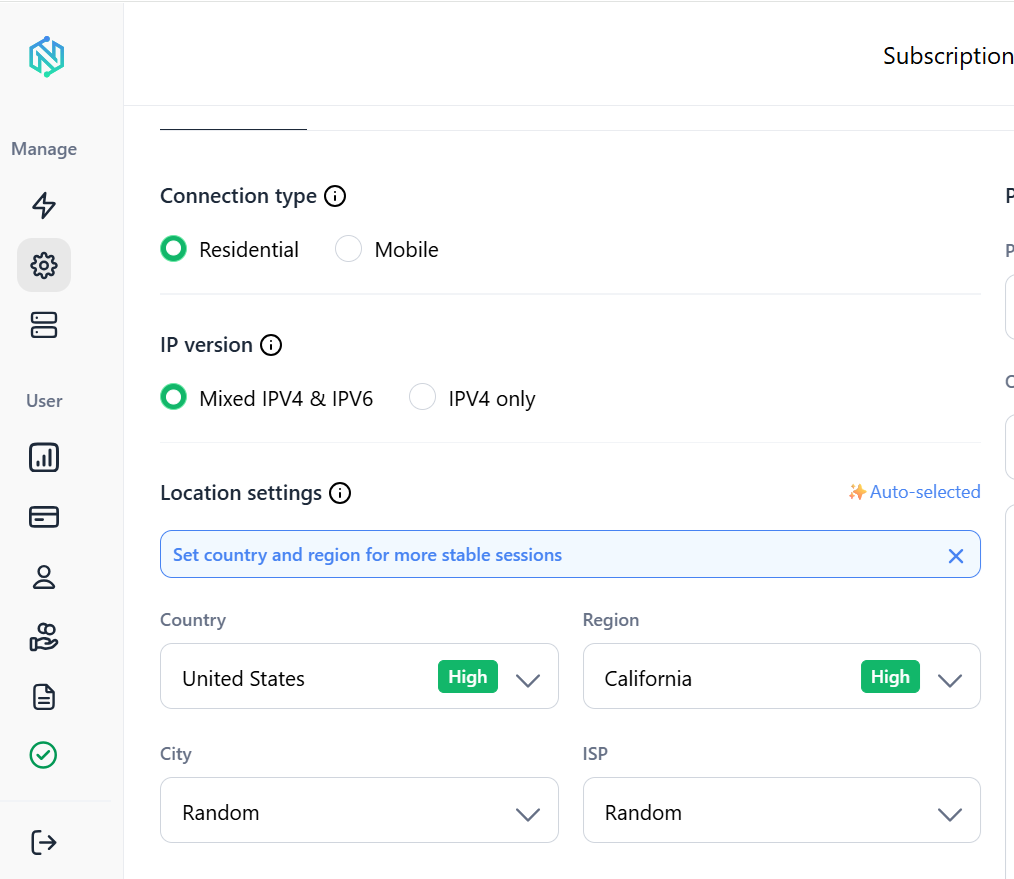
A few details worth knowing if you are pairing NodeMaven with any tool above:
- Sticky sessions hold the same IP for up to 24 hours on standard plans, and up to 24 hours for specific configurations, which keeps multi-step browser workflows from breaking mid-session
- City and ZIP-level targeting lets automation scripts appear local to a specific market
- NodeMaven’s scraping browser is a managed cloud browser that connects directly to Playwright and Puppeteer over a WebSocket URL, pairing proxy rotation with fingerprint handling so you do not have to run your own browser infrastructure
- Residential proxy pricing starts from $2.20/GB, with a $3.50 trial that includes 750MB of bandwidth to test before committing
Conclusion
There is no single winner among the best browser automation tools in 2026, because the tools solve different problems. Playwright is the strongest general default for both testing and scraping. Selenium still holds ground in large enterprise test suites. Browser Use is the clearest choice for teams building autonomous AI agents, and Browserbase removes the infrastructure burden of running browsers at scale.
Whichever framework you choose, the browser is only half the job. NodeMaven’s residential, mobile, and ISP proxies give browser automation the network identity it needs to stay online, avoid CAPTCHAs, and run at scale without getting flagged.
Give your AI agents a reliable network identity with residential and mobile proxies. Try NodeMaven from $3.50 with 750 MB included


