Best Price Monitoring Tools in 2026: 11 Tools Compared




Price monitoring tools help ecommerce teams see what competitors are doing before it starts hurting margins, conversions, or stock planning. The right tool can track product prices, price history, discounts, availability, and regional price differences across stores and marketplaces.
But the tool is only part of the setup. Price data is useful only when it is accurate. If a website blocks your checks, shows a different price by location, or serves incomplete product pages, your reports will look clean while the underlying data is wrong.
This guide compares the best price monitoring tools, explains which options fit ecommerce teams, Amazon tracking, Best Buy tracking, browser alerts, and custom workflows, and shows why reliable proxies are essential for efficient price monitoring.
What Are Price Monitoring Tools?
Price monitoring tools are software products that track prices across e-commerce websites, marketplaces, product pages, and competitor stores. They can follow price changes, discounts, stock status, price history, shipping conditions, and product availability.
For shoppers, a price tracker usually means a price drop alert. For e-commerce teams, price monitoring is more of an operational task. It supports pricing strategy, competitor analysis, assortment checks, MAP monitoring, and repricing decisions.
Why Ecommerce Teams Use Price Monitoring Tools
1. Track competitor prices
Competitor prices change fast. A rival can lower a price, launch a coupon, bundle a product, or move stock through a short promotion before your team notices manually. Price monitoring tools make those moves visible.
2. Protect margins
Good price data helps teams avoid two bad outcomes: reacting too late when competitors undercut them, or discounting too aggressively when the market does not require it.
3. Support dynamic pricing
Dynamic pricing works better when it is based on clean market data. Price monitoring tools can feed pricing rules, repricing workflows, and category-level decisions.
4. Monitor stock and promotions
A competitor’s price matters, but so does availability. A product that is out of stock, locked behind a promo code, or only available in a bundle can distort the real market picture, but also open new opportunities.
5. Compare regional prices
Some ecommerce sites show different prices by country, city, currency, delivery region, or session. Regional price checks are hard to do manually and even harder to keep consistent without the right setup. This is the workflow, where residential proxies with wide geo-coverage bring a lot of value.

Use residential, mobile, and ISP proxies with stable sessions, SOCKS5 support, and pre-filtered IPs for more reliable price monitoring. Start with 750MB for just $3.50
Quick Comparison of the Best Price Monitoring Tools
| Tool | Best for | Coverage | Price history | Alerts | Cost |
| Prisync | Ecommerce competitor monitoring | Competitor stores and marketplaces | Yes | Yes | Paid |
| Price2Spy | Alerts and reporting | Broad ecommerce coverage | Yes | Yes | Paid |
| PricingHunter | Automated competitor price tracking and product matching | Ecommerce stores, competitor websites, and larger product catalogs | Yes | Yes, daily email alerts | Paid, from $79/month with a 14-day free trial |
| Minderest | Enterprise price intelligence | Retailers, brands, marketplaces | Yes | Yes | Custom |
| Competera | AI pricing optimization | Enterprise retail | Yes | Business alerts | Custom |
| Pricefy | Automated competitor tracking | Ecommerce and marketplaces | Yes | Yes | Paid |
| Visualping | Simple website price alerts | Any page you monitor | Limited | Yes | Free and paid |
| Keepa | Amazon price history | Amazon | Strong | Yes | Free and paid |
| CamelCamelCamel | Free Amazon tracking | Amazon | Yes | Yes | Free |
| Honey | Shopper price alerts | Supported stores | Basic | Yes | Free |
| Google Shopping | Manual comparison | Listed retailers | Limited | Some price tracking | Free |
| DIY scraper | Custom workflows | Sites you can collect from | Custom | Custom | Infrastructure costs |
Best Price Monitoring Tools in 2026
1. Prisync
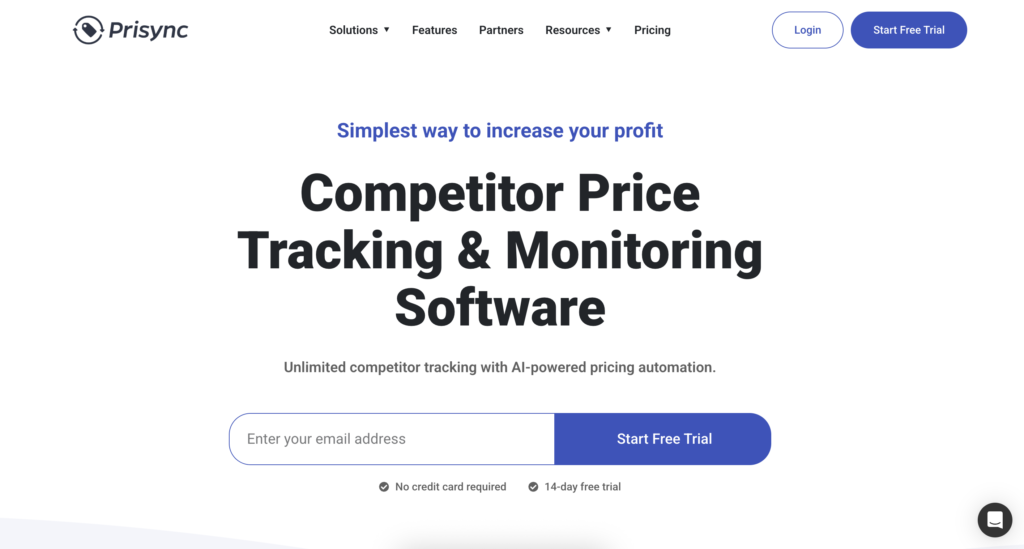
Prisync is a strong fit for ecommerce teams that want competitor price monitoring without building their own system. It tracks competitor prices, stock availability, and price changes, and it is built around ecommerce workflows rather than casual shopping alerts.
Best for: ecommerce teams that need competitor price tracking, stock monitoring, and pricing reports.
Pricing: Free 14-day trial available, pricing starts at $99/month for the Professional plan, with higher tiers around $199/month and $299/month depending on product count and features.
Limitations: pricing and setup can depend on SKU count, competitor count, and how complex your catalog is.
2. Price2Spy
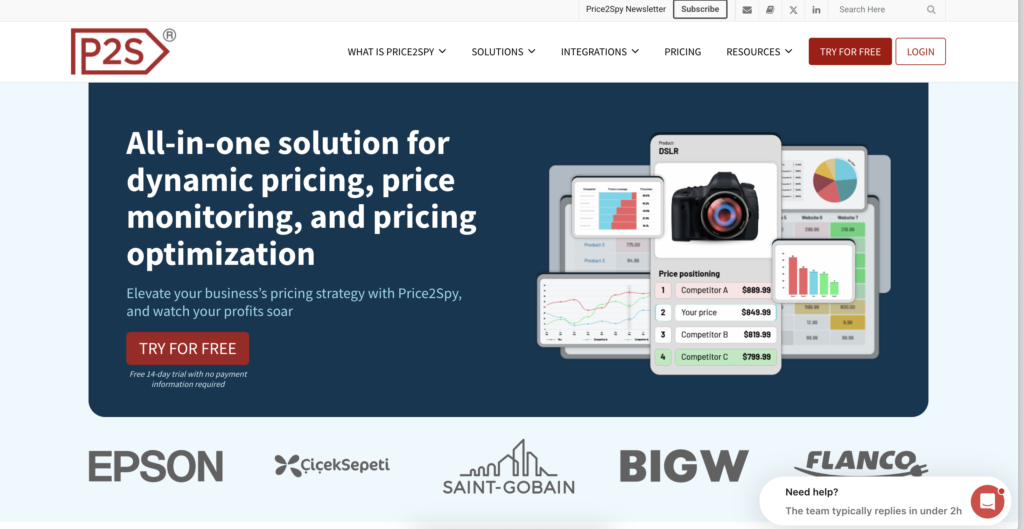
Price2Spy is a long-running price monitoring tool for retailers, brands, and ecommerce teams. It focuses on competitor tracking, price alerts, product matching, reports, and exports.
Best for: teams that need practical monitoring, alerts, and reporting more than a lightweight browser extension.
Pricing: 14-day free trial, pricing starts around $78.95/month for lower-volume monitoring; larger plans depend on product count, URLs, and checking frequency.
Limitations: setup can take time if your product matching rules are complex.
3 . PricingHunter
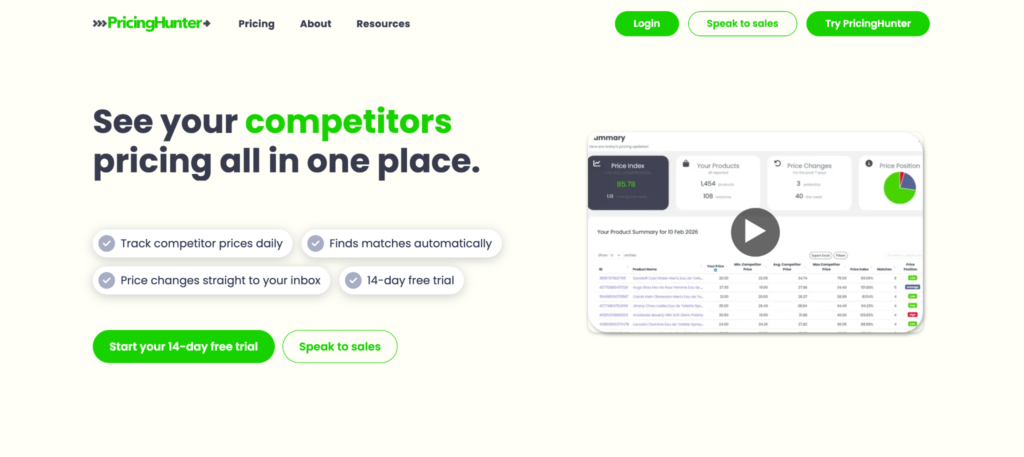
PricingHunter focuses on automated competitor price tracking and product matching for ecommerce retailers. It can be a good fit for businesses that want daily pricing insights, competitor monitoring, and alerts without complicated setup or long-term contracts.
Best for: ecommerce retailers that need automated competitor tracking, product matching, daily price alerts, and price history.
Pricing: paid plans start at $79/month for tracking up to 200 products, with higher tiers for larger product catalogs. All paid plans include unlimited competitor tracking, automated product matching, daily email alerts, and price history. PricingHunter also offers a 14-day free trial with no contract.
4. Minderest
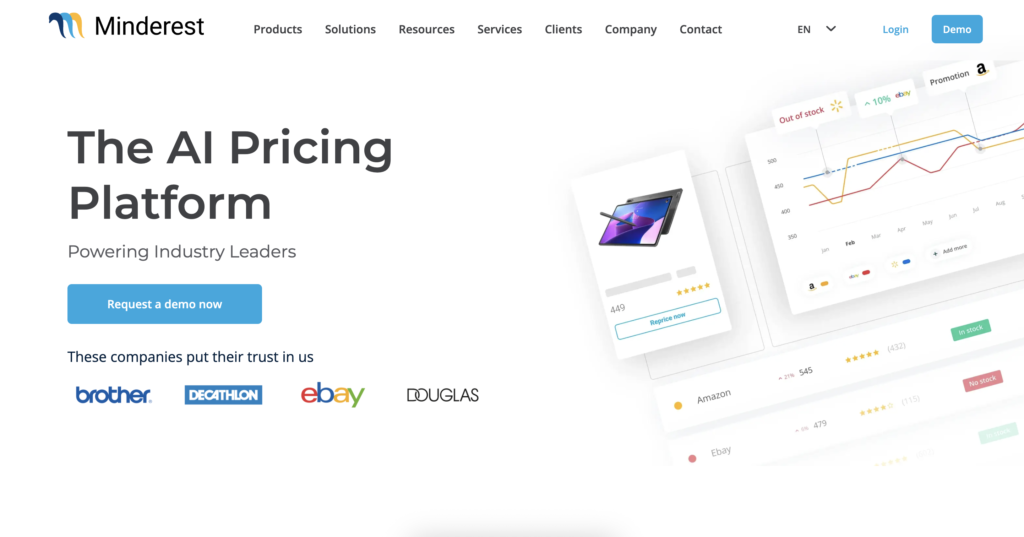
Minderest is closer to enterprise price intelligence than a simple price tracker. It is built for retailers and brands that need to monitor pricing, assortment, marketplaces, and competitors at a larger scale.
Best for: enterprise ecommerce teams, brands, and retailers with larger catalogs and more formal price intelligence workflows.
Pricing: custom enterprise pricing; exact cost is quote-based and depends on catalog size, markets, and modules.
Limitations: It may be more than a small ecommerce store needs.
5. Competera
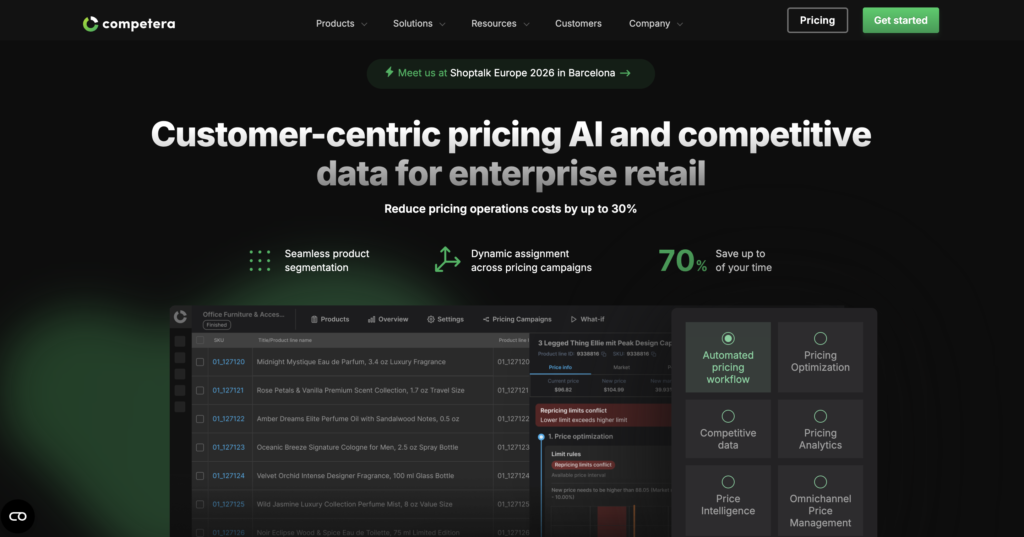
Competera is built for pricing optimization, not only price tracking. It is strongest when a team wants market data, demand signals, and AI-supported pricing recommendations in one workflow.
Best for: enterprise retailers that want pricing recommendations and pricing automation, not just monitoring.
Pricing: custom enterprise pricing; no public entry price is listed, and cost depends on pricing modules, markets, and implementation scope.
Limitations: if you only need alerts for a few products, this is likely too heavy.
6. Pricefy
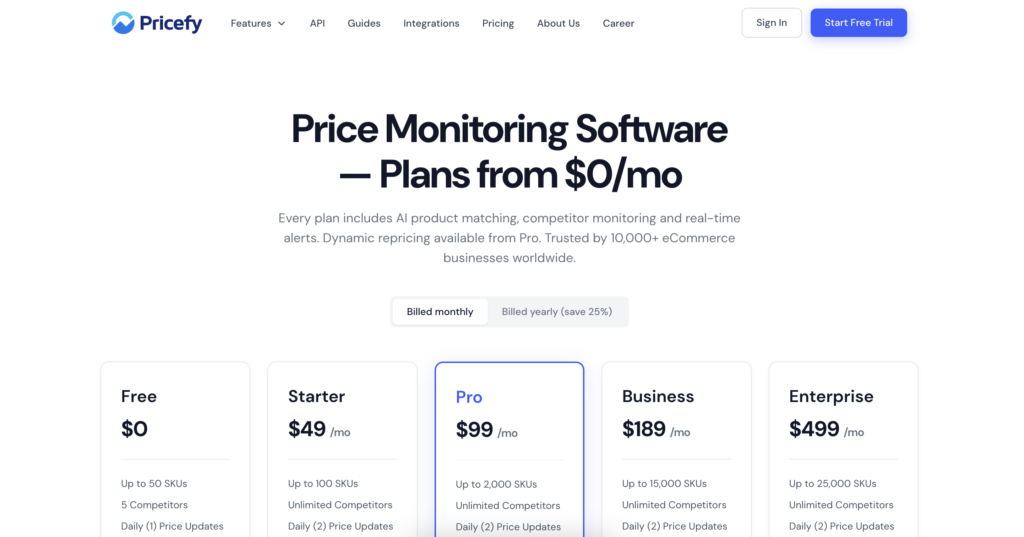
Pricefy focuses on automated competitor price tracking and ecommerce monitoring. It can be a good fit for teams that want pricing visibility without moving into a full enterprise price intelligence platform.
Best for: ecommerce stores that need competitor tracking, alerts, and repricing support.
Pricing: paid plans start around $49/month for smaller monitoring setups, with higher tiers for more products, competitors, and automation features.
Limitations: confirm the exact store and marketplace coverage you need before committing.
7. Visualping
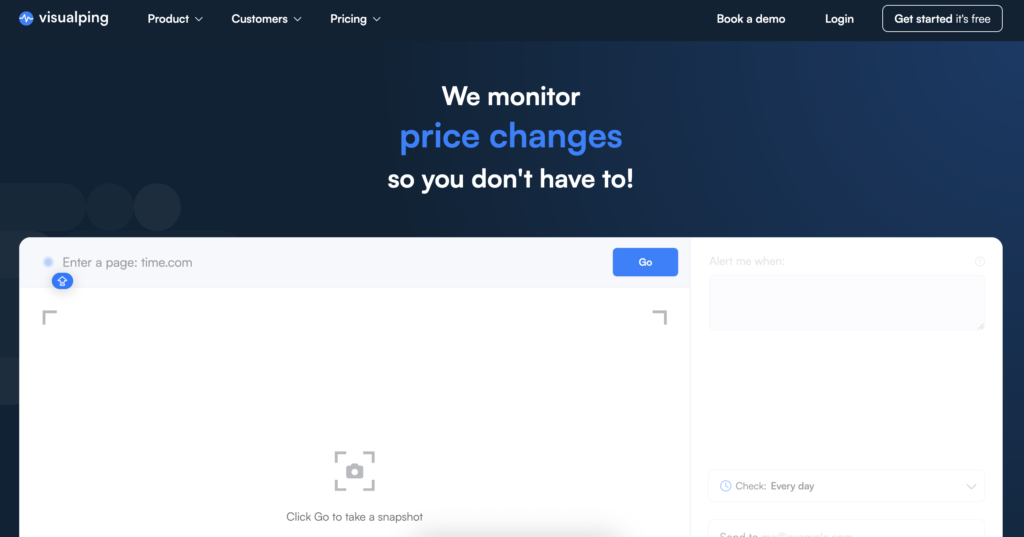
Visualping is not only a price tracker. It monitors web pages for changes. That makes it useful as a website price tracker when you need a simple alert for a product page, competitor landing page, or offer page.
Best for: small lists of pages, niche competitors, and simple page-change alerts.
Pricing: free plan available; paid plans start around $10-$20/month depending on check frequency and monitoring volume.
Limitations: it may miss ecommerce-specific details like variants, shipping, coupons, or structured product matching.
8. Keepa
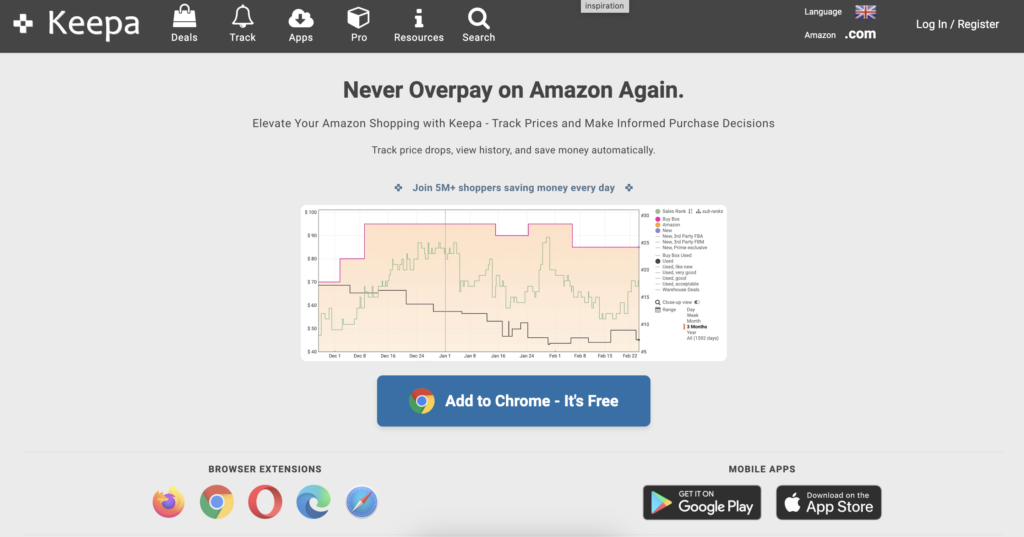
Keepa is one of the best-known Amazon price tracker options. It is especially useful for Amazon price history, product alerts, browser-based checks, and API-driven workflows.
Best for: Amazon price tracking, Amazon price history, and Amazon-focused product research.
Pricing: free Amazon price tracking features are available; advanced data access and API workflows require a paid subscription, commonly around $19/month.
Limitations: it is not a complete multi-store ecommerce price monitoring platform.
9. CamelCamelCamel
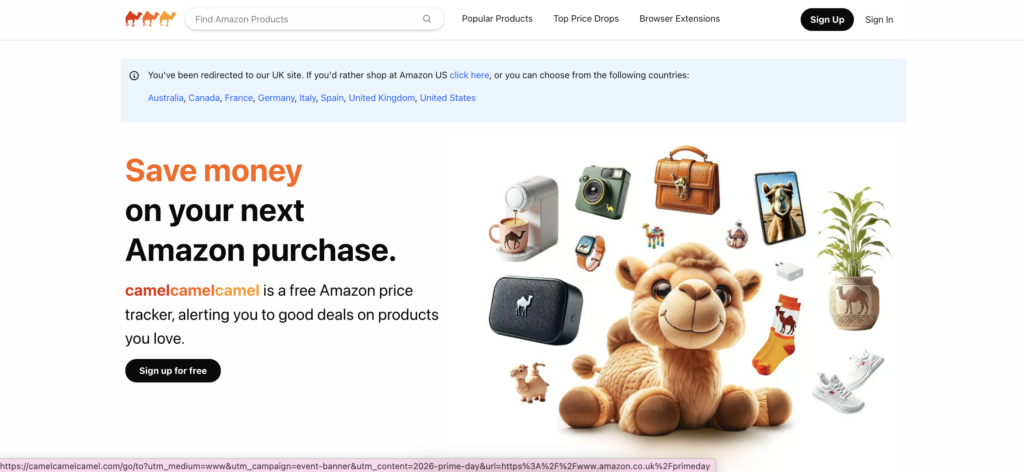
CamelCamelCamel is a free Amazon price history checker. It is simple, familiar, and useful for tracking Amazon price drops without a business-grade setup.
Best for: shoppers and small Amazon-only checks.
Pricing: free.
Limitations: it is not built for competitor monitoring across multiple ecommerce websites.
10. Honey

Honey is better known for coupons, but it also supports shopper-friendly price tracking and price drop alerts through its browser extension experience.
Best for: shoppers who want coupons, alerts, and a browser-based price tracking extension.
Pricing: free browser extension and app. Honey earns through its shopping and affiliate model rather than charging users directly.
Limitations: it is not designed for ecommerce competitor monitoring, catalog tracking, or structured price intelligence.
11. Google Shopping and Shopping Insights
Google Shopping can help users compare prices across retailers and, for some products, see price insights or track price drops. This is useful for manual checks and consumer price discovery.
It is not the same thing as a business-grade price monitoring tool. Treat it as a quick price comparison and shopping insights option, not a full system for ecommerce price monitoring.
Best for: manual price comparison and quick consumer research.
Pricing: free for manual price comparison and supported price tracking features.
12. DIY Price Scraper
A DIY price scraper can be a good option when your category or scraped platform is too niche for standard tools, or when you need custom logic for product matching, regional checks, or reporting. Python is a common choice for custom price tracking workflows, including Amazon price tracker scripts.
Best for: teams with developers, custom data needs, or websites that standard tools do not support well.
Pricing: no software fee if you build it yourself, but expect costs for hosting, storage, maintenance, and proxies. Proxy costs vary by provider and traffic volume.
Limitations: you own the maintenance. You also need to manage blocking, retries, product parsing, proxies, and data quality.

Check out our “How to Build an Amazon Price Tracker with Python” tutorial
Best Price Tracking Tools by Use Case
| Use case | Best tools | Why | Proxy need |
| Ecommerce price monitoring | Prisync, Price2Spy, Pricefy | Built for competitor prices, alerts, reports, and catalogs. | Medium to high |
| Enterprise price intelligence | Minderest, Competera | Better for large catalogs and strategic pricing workflows. | High |
| Amazon price tracker | Keepa, CamelCamelCamel | Strong Amazon price history and alerts. | Low unless custom scraping |
| Best Buy price tracker | Visualping, DIY scraper, broader ecommerce tools | Best Buy is not covered well by Amazon-only trackers. | Medium |
| Price history checker | Keepa, CamelCamelCamel, Price2Spy | Useful when historical price movement matters. | Low to medium |
| Browser extension tracking | Honey, Keepa extension | Good for shoppers and simple alerts. | Low |
| Website price tracker | Visualping, Pricefy | Good for tracking specific product pages or competitor pages. | Medium |
| DIY price monitoring | Python scraper, custom scripts | Maximum flexibility, but more maintenance. | High |
| Regional price monitoring | Ecommerce tools plus reliable proxies | Needed when prices change by location or delivery area. | High |
Options for Best Buy Price Tracker
Best Buy price tracking is different from Amazon tracking. Amazon-focused tools like Keepa and CamelCamelCamel are useful for Amazon price history, but they do not solve every Best Buy price history or Best Buy price tracker use case.
For Best Buy, consider:
- Visualping for simple page-change and price alerts.
- A broader ecommerce price monitoring tool if you track Best Buy alongside other retailers.
- A custom scraper if you need specific SKUs, variants, or historical reporting.
The key question is whether you need a one-off alert or a repeatable system. One product can be watched manually. Hundreds of products need a cleaner workflow.
Amazon Price Tracker Options
If your only question is how to track prices on Amazon, start with Keepa or CamelCamelCamel. Both are built around Amazon price history and price drop alerts, which makes them simpler than a full ecommerce price monitoring platform.
For custom Amazon workflows, teams sometimes build an Amazon price tracker in Python. That gives more control, but it also brings more responsibility: parsing product pages, storing history, managing retries, and handling blocks.
How to Choose a Price Monitoring Tool
- Store and marketplace coverage
Check whether the tool supports the places you actually need: Amazon, Best Buy, Walmart, Shopify stores, regional retailers, marketplaces, or niche competitor sites.
- Product matching
Product matching is where many price tracking tools become painful. The same product may have different titles, bundles, sizes, images, or SKU formats across stores. Good matching saves hours of manual cleanup.
- Price history and alerts
A price history checker is useful when you need context, not just the current price. Alerts help teams respond when a competitor drops prices, runs a promotion, or changes availability.
- Update frequency
Some categories move slowly. Others change hourly. Choose update frequency based on your market, not because a vendor offers the fastest crawl on a pricing page.
- Exports, API, and reporting
If pricing decisions happen in spreadsheets, BI tools, or repricing systems, exports and API access matter. If the data is trapped inside a dashboard, it may not fit the way your team works.
- Regional price checks
For some products, the visible price changes by country, city, currency, delivery area, or session. If regional accuracy matters, your price monitoring setup needs location control.
- Proxy and anti-block support
Price monitoring sends repeated requests to the same sites. That can trigger anti-bot systems, CAPTCHAs, redirects, or incomplete pages. Proxy quality becomes a significant part of data quality.
Use residential, mobile, and ISP proxies with stable sessions, SOCKS5 support, and pre-filtered IPs for more reliable price monitoring. Start with 750MB for just $3.50
Common Problems With Price Tracking Tools
Wrong prices by location
A product may show one price in one country and another price in a different city or delivery area. If your tool checks from the wrong location, the report can be technically complete but commercially misleading. NodeMaven offers proxy servers with access to 190+ countries with precise ZIP-level targeting to help you get the most accurate pricing.
Blocks and CAPTCHAs
Repeated requests from the same IP can trigger blocks, so proxy quality directly affects data quality. A blocked page is not always obvious in the final report. Sometimes it looks like a missing price, a product error, or a sudden stock change.
NodeMaven helps reduce CAPTCHA and blocks with high-trust residential and mobile IPs that are pre-filtered for a low fraud score for repeated price checks.
Missing discounts, variants, or shipping
Simple trackers may miss coupons, product variants, shipping costs, taxes, bundles, or member-only pricing. That matters when the final customer price is not the same as the headline price.
Unstable price history
Price history is only useful if the collection method is consistent. Changing location, session, or IP quality can create false price changes that were really collection errors.
Low-quality IPs
Blocked, overused, or low-trust IPs can return redirects, fake pages, incomplete pages, or no data at all. More requests do not fix that. Better IP quality does. High-quality residential proxies that are pre-filtered for quality help increase the efficiency of the price monitoring tools.
How Proxies Improve Price Monitoring Accuracy
Price monitoring tools depend on access. If requests are blocked, redirected, or served the wrong regional page, the data becomes unreliable, no matter how good the dashboard looks.
Clean IPs help reduce blocks
Ecommerce sites are more likely to challenge traffic from noisy, abused or even cheap datacenter IPs. Clean residential IPs help significantly reduce the chance that a monitoring job returns blocked pages instead of real product data.
Stable sessions improve accuracy
Sticky sessions help keep checks consistent across product pages, variants, category pages, and checkout-like flows. That matters when session changes can affect pricing, availability, or shipping conditions.
Location targeting helps with regional pricing
If your team checks prices across countries or cities, the proxy location needs to match the market you are measuring. Otherwise, regional pricing reports can drift away from what customers actually see.
Consistent performance matters at scale
Price monitoring often means long URL lists and repeated checks. A proxy setup that works for ten pages may fail when it needs to monitor ten thousand. Reliability at scale is the difference between a useful report and a cleanup project.
Use residential, mobile, and ISP proxies with stable sessions, SOCKS5 support, and pre-filtered IPs for more reliable price monitoring. Start with 750MB for just $3.50
Best Proxy Type for Price Monitoring
Residential proxies
Residential proxies are usually the safest default for ecommerce price monitoring. They use real household IPs, which helps with websites that are sensitive to datacenter traffic, location checks, or repeated requests.
ISP proxies
ISP proxies are useful when you need fast, stable sessions from static IPs. They combine speed with residential-like legitimacy, which can be useful for consistent monitoring workflows.
Mobile proxies
Mobile proxies are useful when pricing, app content, or search results are mobile-first. They are more specialized, but they can help when the market view depends on mobile network behavior.
How NodeMaven Supports Price Monitoring Workflows
Price monitoring teams do not need proxies just to have more IPs. They need cleaner access, stable sessions, and location control. NodeMaven is built around IP quality rather than raw volume, which is the part that matters when ecommerce sites use anti-bot systems or location-based pricing.
- Clean IPs for more reliable product page access.
- Stable sessions for consistent price checks.
- Residential, ISP, and mobile proxies for different monitoring workflows.
- Location targeting for regional price and stock checks.
- Consistent performance designed for reliability at scale.
- Quality guarantee and cashback for supported proxy plans.
The result is simple: better inputs for the price monitoring tools you already use, or a stronger foundation for a custom price tracker.
Use residential, mobile, and ISP proxies with stable sessions, SOCKS5 support, and pre-filtered IPs for more reliable price monitoring. Start with 750MB for just $3.50