Start your trial

NodeMaven Proxy MCP Server

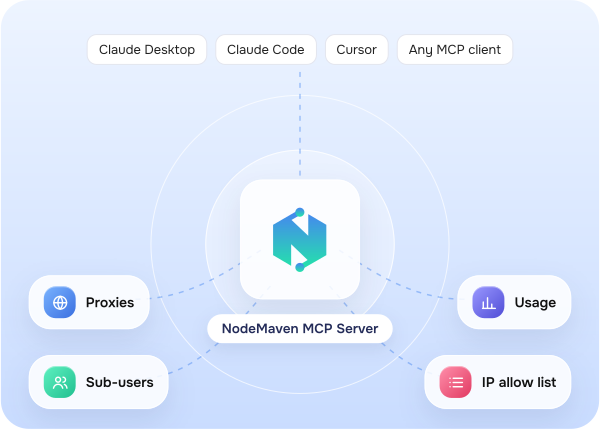
Connect Claude, Cursor or any MCP client to your NodeMaven account. Ask in plain language for a proxy in Berlin, a site check or your traffic left

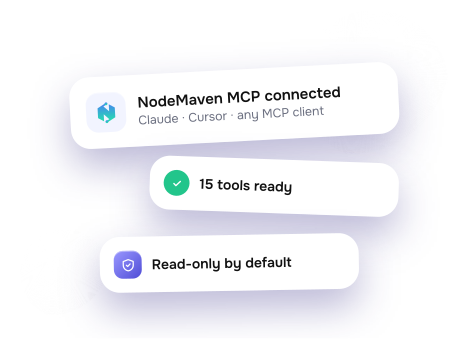
15 MCP tools
Any MCP client
Read-only by default
Free and open source

What is a proxy MCP server?

MCP (Model Context Protocol) is an open standard that connects AI assistants like Claude and Cursor to outside tools. A proxy MCP server lets the assistant work with your proxies for you.

Ask NodeMaven MCP “Give me a US proxy and check it on this site”. The assistant gets a residential or mobile proxy from your account, tests it and shows the result. The server runs on your computer with your API key.

The NodeMaven MCP builds proxy strings with geo-targeting and sticky sessions. It checks that a proxy connects and where it exits, tests it against a site and looks up locations. It also reads traffic usage and manages sub-users and whitelisted IPs. It is read-only by default. Setup steps and the full tool list are on GitHub.
Connect the MCP server in three steps

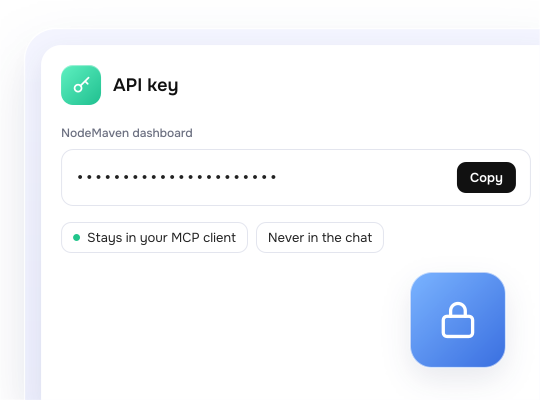
Get your API key

01

Open the NodeMaven dashboard and copy your API key. It stays in your client's settings and never goes into the chat
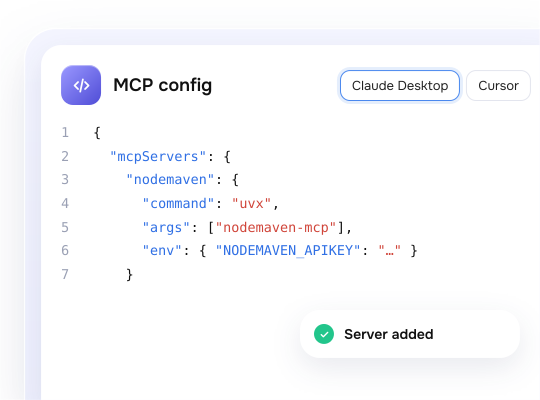
Add the server to your client

02

In Claude Desktop, Cursor or another MCP client, add a server with the command uvx nodemaven-mcp. It needs uv. Without it, install with pip install nodemaven-mcp. Put your key in the NODEMAVEN_APIKEY variable
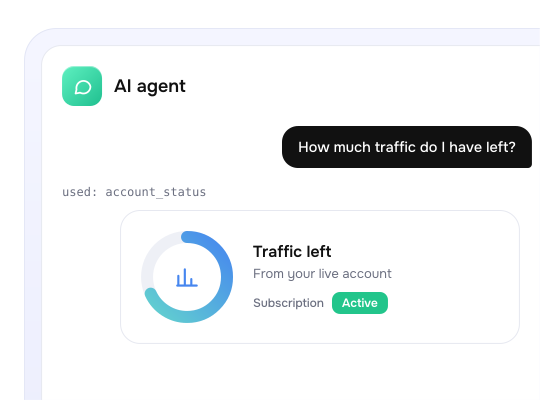
Ask your first question

03

Try "How much traffic do I have left?" The agent answers from your live account
What your agent can do: 15 tools

Read tools work right away. Write tools turn on only when you enable them

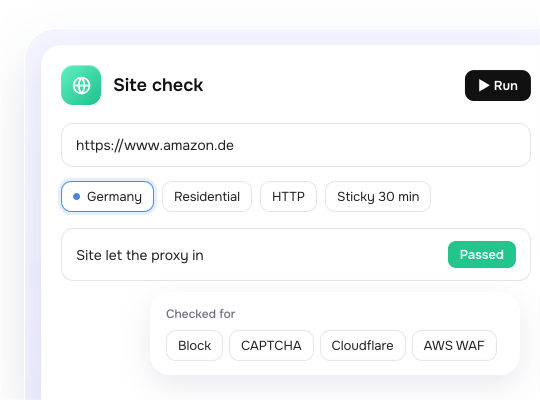
Proxies for the task, checked before you scrape

Get a residential or mobile proxy string for a country, region, city or ISP, with a sticky session. HTTP or SOCKS5. Check the exit IP and response time. Test a site before launch: the agent checks the page through the proxy and reports the status, response time, page size and whether it appears blocked, challenged or shows a CAPTCHA
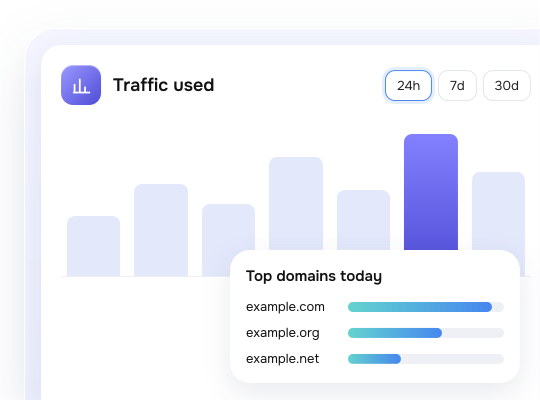
Traffic and account status in one question

See remaining traffic and subscription status. Track traffic use over any period. See which sites used it most
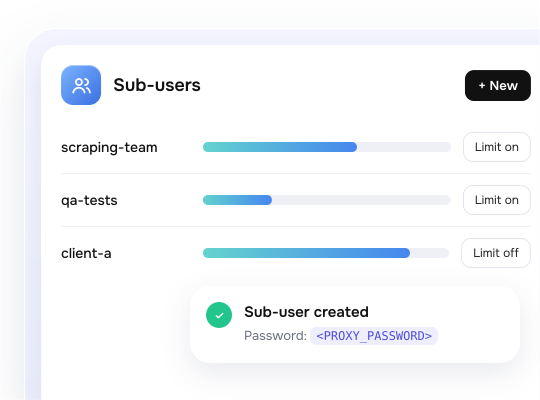
Sub-users with their own limits

List sub-users with usage and limits. With write access on, create, limit, reset or delete them
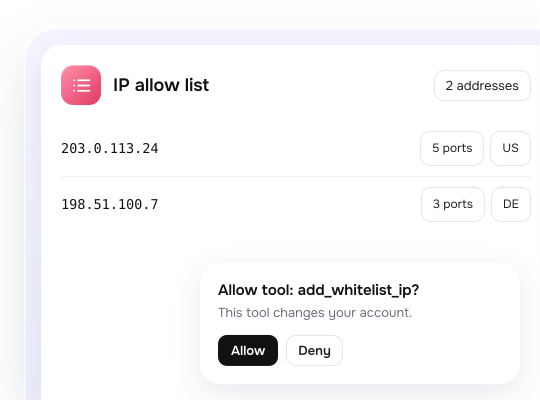
IP allow list for access without a password

See which IPs connect without a password. Add a server IP with ports and targeting, or remove old ones

Proxy setup by hand vs NodeMaven MCP

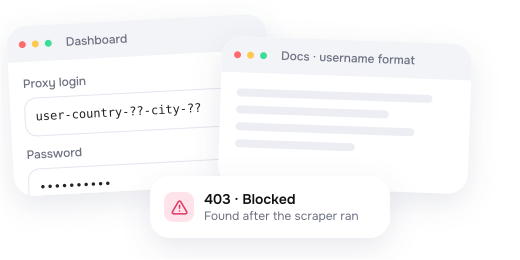
Without the MCP server

You copy credentials from the dashboard, look up the geo-targeting format and learn about blocks only after the scraper runs
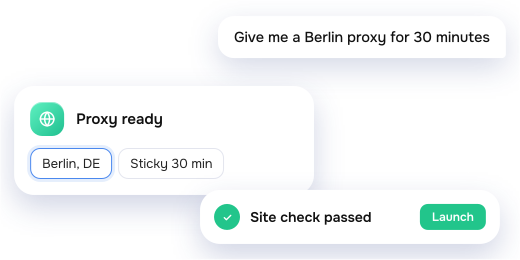
With NodeMaven MCP

You ask in plain language. The agent builds the proxy string, checks the site first and keeps passwords out of the chat
Safe by default

You decide what your agent can change. It can never spend money

Read-only by default

Anything that changes your account needs a separate setting

Your client asks first

“Write” tools are marked as changing and “delete” as destructive, so clients like Claude and Cursor can ask you before they run

Passwords stay out of chat

Proxy and new sub-user passwords show as a placeholder. By default the model does not see proxy passwords or your account email

No spending

There are no tools for purchases, payments, plans or API keys

Your key stays with you

The API key lives in your client settings. In Claude Code it is stored as a secure value

Careful site checks

One page, always through the proxy. Page content never enters the chat

Using Claude Code? Add 6 skills with the plugin

Proxy setup
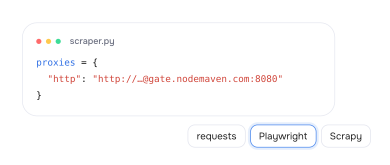
Connects your code to the proxy with the right login format, geo-targeting, sticky sessions and rotation. Examples for requests, Playwright, Puppeteer, Selenium, Scrapy and more
SDK
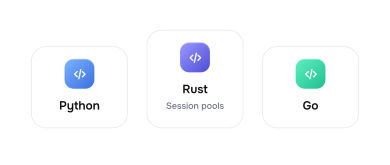
Writes code with the NodeMaven SDK for Python, Rust and Go: proxy strings, session pools and proxy checks
Account API
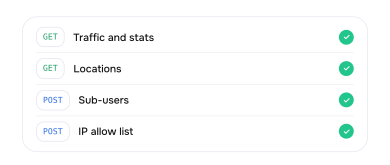
Works with traffic, stats, locations, sub-users and the IP allow list through the account REST API
Google Scraper
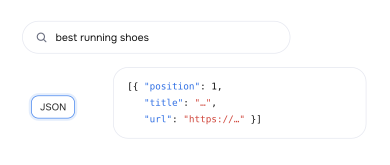
Collects Google results as JSON through a real browser. Runs as a CLI, Python library, local API, MCP or Docker
Proxy Benchmark
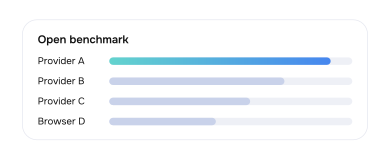
Measures and compares proxy providers and scraping browsers with an open benchmark
Troubleshooting
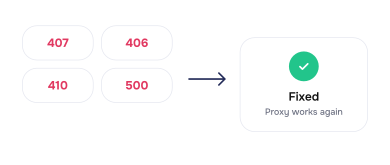
Fixes proxy errors 407, 406, 410 and 500, hangs, auth issues and sticky sessions that change IP

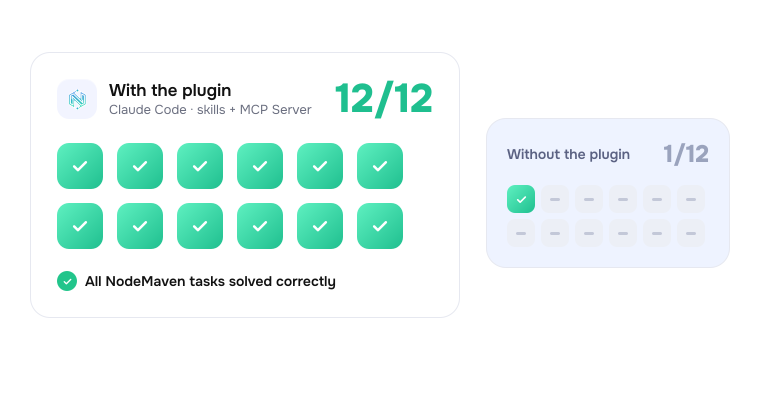
With the plugin, Claude Code solved 12 of 12 NodeMaven tasks. Without it, 1 of 12

With the plugin, Claude Code solved 12 of 12 NodeMaven tasks. Without it, 1 of 12

Products behind your agent

Residential proxies

Residential proxies

30M+ IPs, 95% clean IP rate. From $2.20/GB

Mobile proxies

Mobile proxies

Real carrier IPs for the strictest sites. From $2.20/GB

Google Search Scraper

Google Search Scraper

Free, open source SERP scraper that returns results as structured JSON

Have questions about products?

Give your AI agent clean IPs. Try NodeMaven premium proxies for $3.50 and get 750MB of traffic

Give your AI agent clean IPs. Try NodeMaven premium proxies for $3.50 and get 750MB of traffic

Frequently asked questions

An MCP server that gives an AI assistant tools for a proxy service. MCP (Model Context Protocol) is the open standard behind it. With NodeMaven MCP, your agent gets proxies, checks them, reads stats and manages sub-users

No. An MCP proxy server or MCP gateway sits between AI clients and other MCP servers to route and control their traffic. NodeMaven MCP is an MCP server for proxies. It gives your agent tools for your NodeMaven proxy account

Yes. Use the key from your NodeMaven dashboard. It stays in your client's settings

The server and skills are free and open source. You pay only for proxy traffic. You can start with a $3.50 trial that includes 750MB

Only if you turn on write access, and your client asks first. It cannot spend money. Passwords and your account email never reach the chat

The MCP server works with Claude Desktop, Claude Code, Cursor and any client that supports MCP. The skills plugin is for Claude Code only

Use the MCP server to manage your account from any MCP client. In Claude Code, add the plugin so Claude also writes correct proxy code. Use the SDK if you write the code yourself

It checks whether a site lets the proxy in. For data collection, use Google Search Scraper, or the proxy setup skill if you work in Claude Code

This site uses cookies to enhance your experience. By continuing, you agree to our use of cookies.