
Real Chrome via Patchright

SERP API-style JSON

NodeMaven proxies built in

Cost per page in every run
01
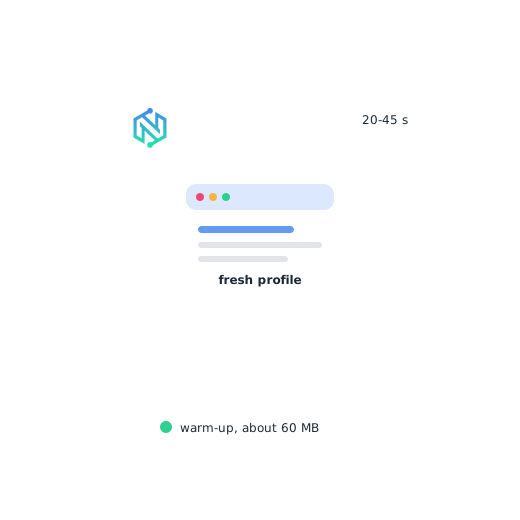
The scraper opens a sticky proxy session and a fresh browser profile. Chrome then visits a few ordinary pages and stays on each for 20 to 45 seconds. A fresh warm-up uses about 60 MB, so the first query takes a few minutes. Later queries on the same exit take seconds
02
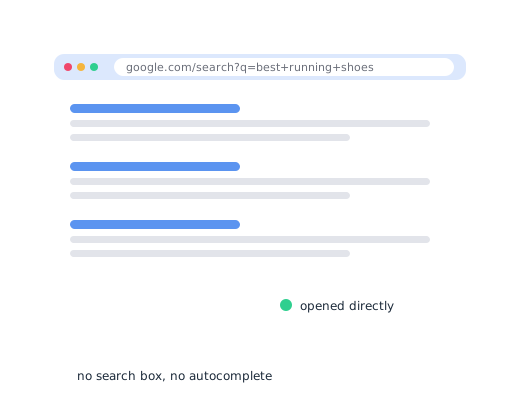
Each query opens Google's results page directly. This is faster than typing in the search box and skips autocomplete traffic
03
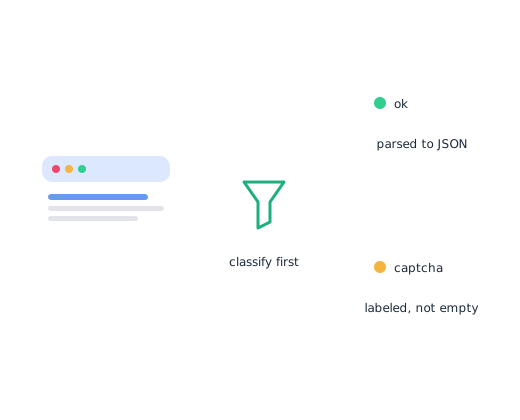
Every page is classified first. A captcha or a refused page is reported as one. It is never parsed as an empty result
04
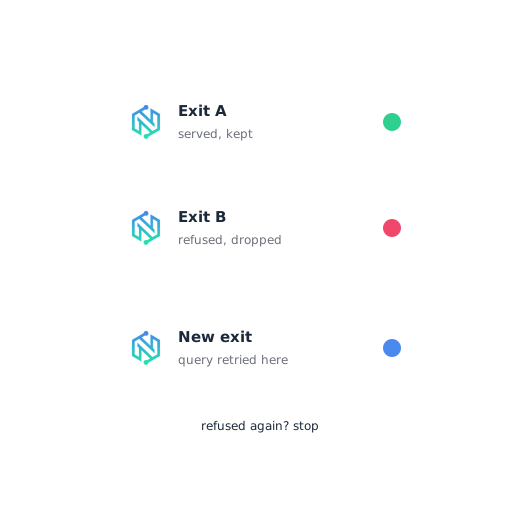
An exit Google serves is reused for the next queries. A refused exit is dropped, and the query is retried on a new one. If exits keep getting refused, the run stops instead of spending more traffic

安装
Install the Python package with NodeMaven support, then add the Chromium browser it runs on. It takes two short commands

Connect NodeMaven
Add your NodeMaven login and password to your environment. The scraper reads them and manages proxy sessions for you

Run your first search
Put your keywords in a text file and start a search. You get one JSON record for every Google results page
Honest failures
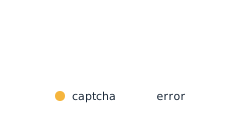
CAPTCHAs and refused pages are labeled in each record. A failed query is still saved, with the error attached. An empty result is never a hidden CAPTCHA or refusal

Cost counter
Each run ends with pages served, traffic used and the hosts that used it. Add --price-per-gb and the scraper prints the cost per 1,000 pages

NodeMaven built in
NodeMaven residential proxies connect with one flag: --nodemaven. The session id is handled for you, and credentials come from the environment
Real result links
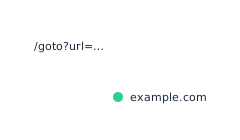
Google wraps result links in its own redirects. The scraper resolves them in the background while the browser moves to the next query. You get the real URLs

Parallel workers
--workers N runs N browsers on N exits from one query list. All workers share one pool of copied cookies
Traffic relay
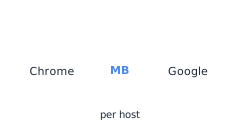
A local relay counts bytes per host. It also stops a large model download that Chrome makes on every fresh profile
Cost per search
Benchmarks from the README for version 0.0.6. Multiply the traffic by your NodeMaven price per GB to get the cost of 1,000 searches

0.8 MB
traffic per search
9 s
per search, per instance
~0.8 GB
per 1,000 searches
~60 MB
per fresh warm-up
Cookie copies
New exits start from the cookies of an exit Google already serves. A copy costs a few MB instead of a full warm-up. It waits 40 to 60 seconds before its first search

10
copied exits by default
180 min
cookie lifetime
40-60 s
start delay
Few MB
per copy
Long runs
Served exits stay in use for hundreds of queries. Regular browser restarts keep memory flat over long holds

300
queries per exit
50
pages between restarts
1
retry on a browser error
N
parallel workers
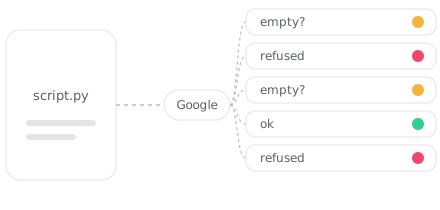
The plain HTTP approach
A script sends raw requests and parses whatever HTML comes back. Google often expects JavaScript, so responses are unreliable. A refused page can be parsed as an empty result. You cannot tell "no results" from "refused"
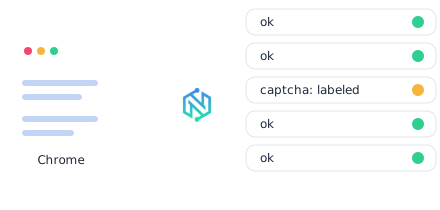
The Google Search Scraper approach
Each search runs in real Chrome on a sticky proxy session that was warmed up first. Every page is classified before parsing. Served pages become JSON records. Refused pages come back labeled, and the exit is replaced

SEO 监测
Track positions for your own keywords and watch how results change. Run keyword and competitor research on live Google results
推荐用于:

AI agents and LLM apps
Give Claude, Cursor and other agents live Google search through the MCP server. Each call returns structured results, not raw HTML
推荐用于:

Not sure which mode fits your project?