










Achieve realistic browser fingerprints, strong anonymity, and seamless multi-account scalability.
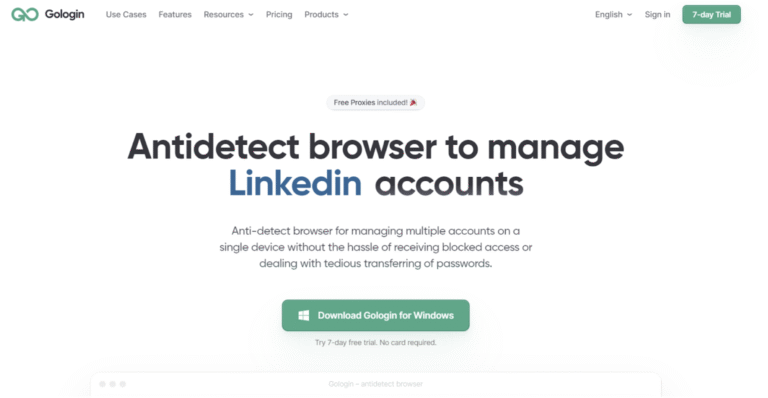
GoLogin is an anti-detect browser designed for secure multi-account operations. Each browser profile receives a unique digital fingerprint and behaves like an independent device.
It’s ideal for affiliate marketers, SMM specialists, e-commerce teams, data parsing, and any workflow where isolation and scalability are essential.allowing you to run unlimited accounts from a single setup—without detection. XLogin supports major global websites and platforms, making it ideal for all kinds of browser-based businesses, including Google, Facebook, Twitter, Amazon, eBay, Etsy, TikTok, Tinder, PayPal, Stripe, Outlook, Gmail, and more. It’s perfect for tasks like account registration, ad verification, store management, affiliate marketing, automation, and other online operations.
New users get a free 3-day trial!
1. Log in to your NodeMaven Dashboard
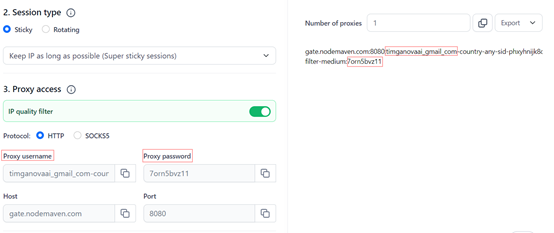
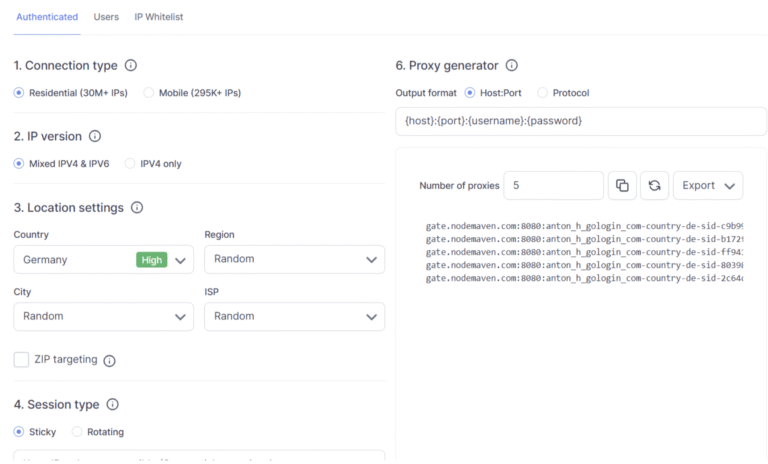
2. In the Proxy Setup > Select the proxy type you need:
For both you can select options:
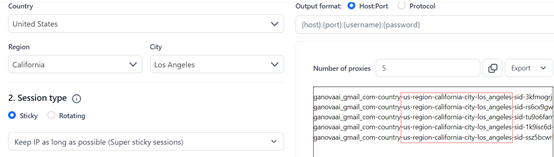
3. Choose a targeting location or leave it as ‘Random‘ for a random
proxy location.
Note: Selecting a specific location will update your username in the proxy list accordingly.
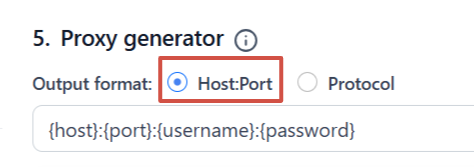
4. Set the output format
5. Copy the proxy details in the following format:
http://username:[email protected]:10000
1. Visit the official GoLogin website, sign up, and download the app
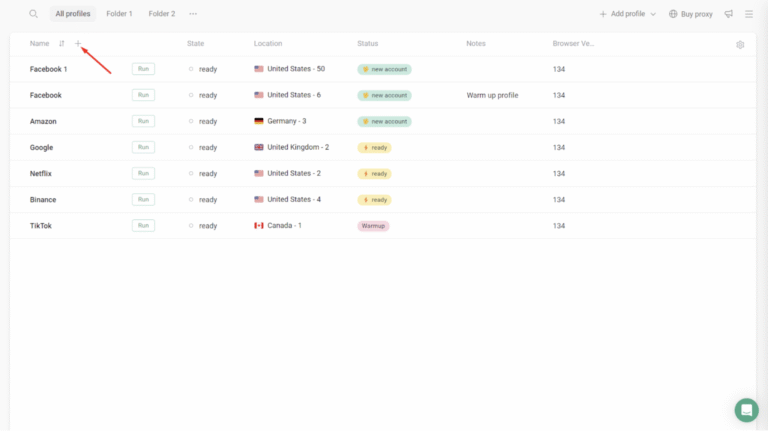
2. Use the Quick Profile Creation feature by clicking “+ Add a quick profile.”
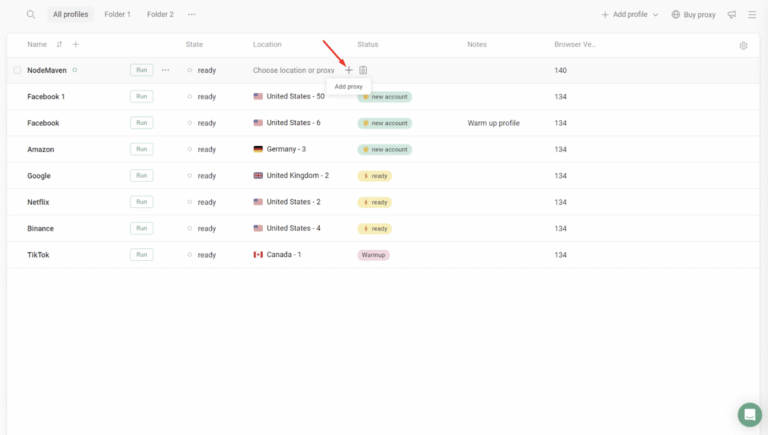
3. Enter a name for the profile and click “+ Add Proxy.”
4. In your NodeMaven Dashboard, copy the proxy credentials — login/password, protocol (HTTP or SOCKS5), and session type/location.
5. Paste the proxy details into GoLogin.
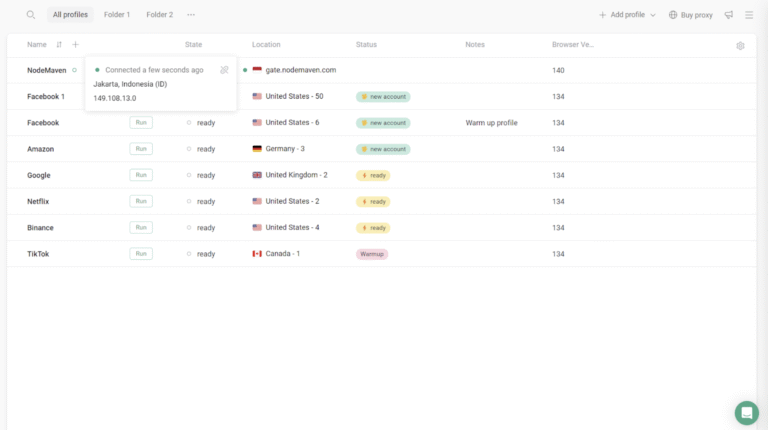
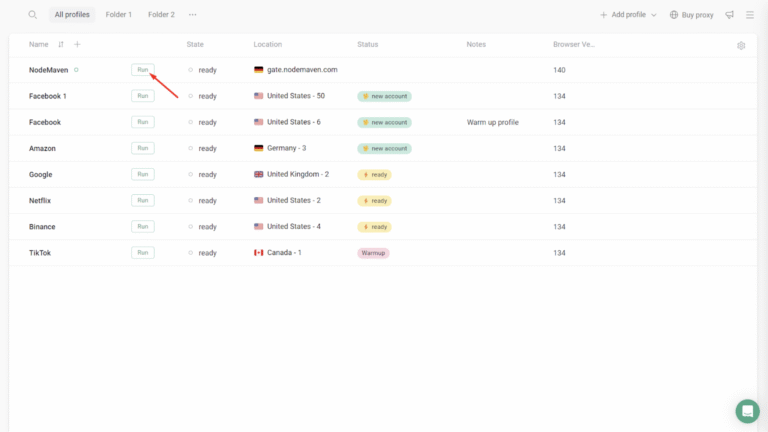
6. Click “Run” to start the profile — your isolated browsing session is ready.
Easily integrate our top-tier residential proxies with popular third-party tools.
Achieve 95% High-Quality Connections with Reliable, Clean Proxy IPs
Flexible IP rotation per request or session
Carry Forward Unused Proxy Traffic
Maintain a Consistent IP for Up to 24 Hours for Stable Sessions
Get a Proxy Setup Tailored to Your Website and Unique Business Needs
Leverage a Premium Network of 30 Million+ High-Quality Residential IPs
Access IPs Across 150+ Countries and Major ISPs